posy
posy


To make a link in bio, choose 5 to 8 links, put the most important first, paste them into a link-in-bio tool, publish, and copy the page's address into the website or links field of each profile. With a tool that accepts links in its address, such as Posy's /new link, the page itself takes about a minute.
The minute is the easy part. What makes a link page work is choosing what goes on it and in what order, and knowing where each app hides its link field. This guide covers all three. I make Posy, the tool in the quick path below, so I will also say when you should use something else.
#Decide what goes on it
Before any tool, write the list. A good link page answers one question for a stranger: what should I look at first?
- 5 to 8 links. Fewer is easier to scan. If you have 20, most will never be tapped.
- Lead with what is new or what earns. Your latest video, the shop, the booking page. Not your oldest profile.
- Group with short headings. "Watch", "Shop", "Contact" is plenty. Headings let people skip to what they came for.
- Short titles. "New video" beats a pasted URL. The title is what people read.
- One line about you. Who you are and what you make, in under ten words.
- One way to reach you. An email address or a booking link.
If you want ideas for a specific job, the pages for artists, musicians, writers and developers list what usually belongs on each.
#The 60-second path
Posy accepts a whole page as a web address. You do not need an account to see it. Type or paste this into your browser, with your own details:
https://posy.page/new?name=Asha%20Rao&bio=Ceramics%20in%20Pune&links=instagram.com/asharao,etsy.com/shop/asharao,asha@example.com
That is it. The fields are:
name: your name. Use%20for spaces.bio: one short line.links: your links, separated by commas. Web addresses, an email address, or a GitHubowner/repoall work.
Open it and you see a live preview. Each link becomes the right kind of tile: a YouTube link becomes a video, a Spotify link a music card, a GitHub repo a card with its stars. If you like it, tap the button to keep it, pick a username and your page lives at posy.page/yourname.
Typing a long address on a phone is fiddly, so the easiest way is to let a chatbot write it. Ask ChatGPT, Claude or Gemini: "Make me a Posy /new link with name, bio and links, URL-encoded, and give me only the link." There are more prompts in can ChatGPT make a website for me.
#Pick a look
Posy has six looks. Three are free:
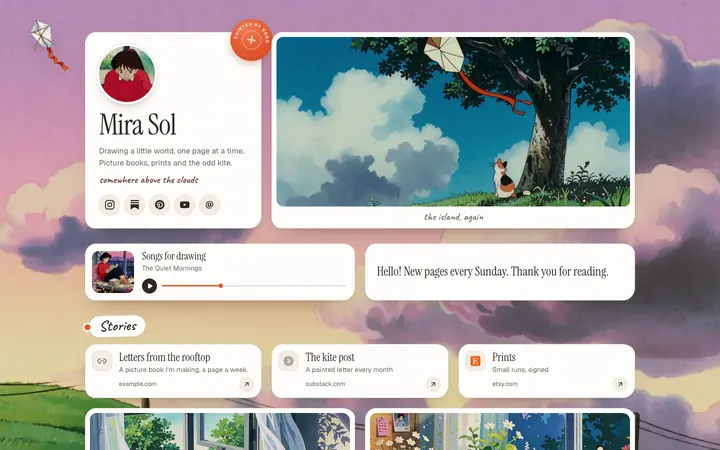
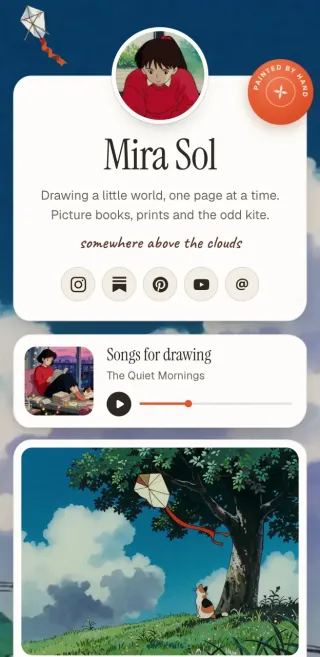
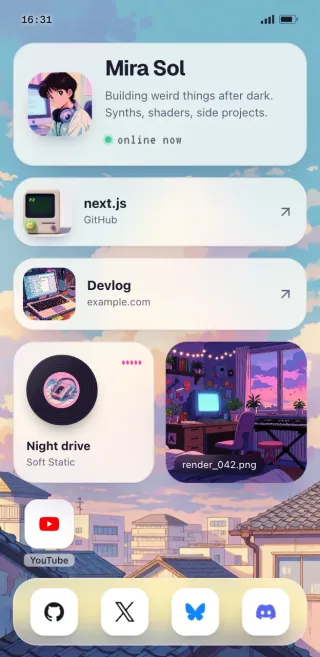
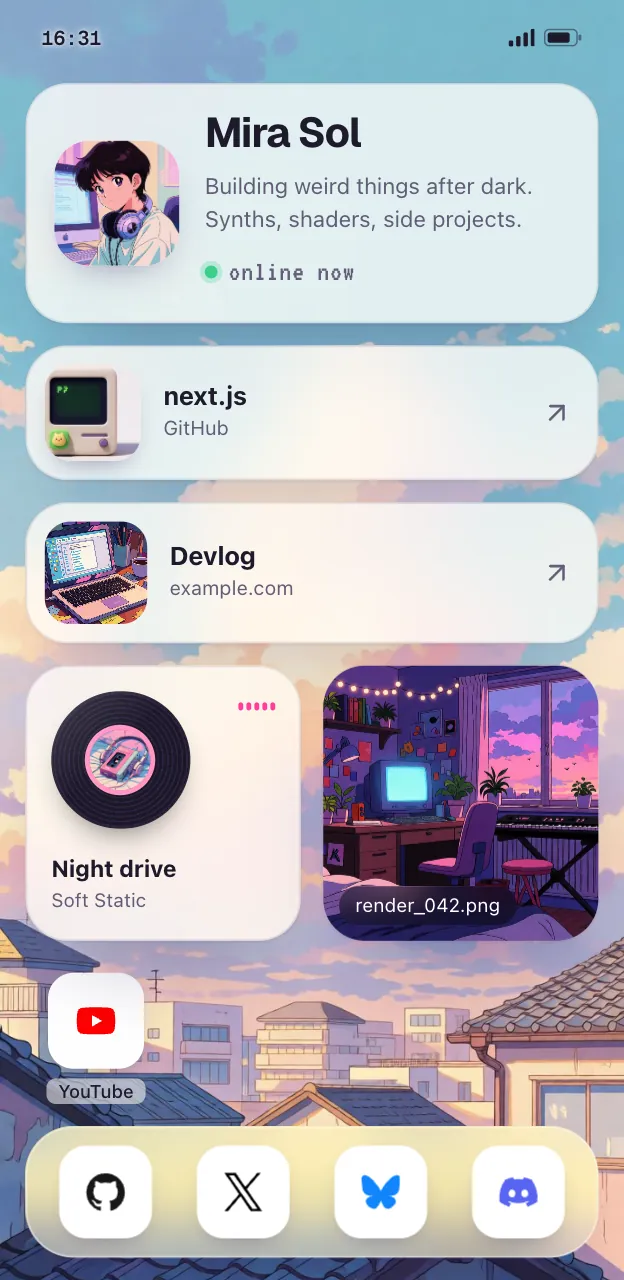
- Painted: a watercolour sky with soft cards. Add
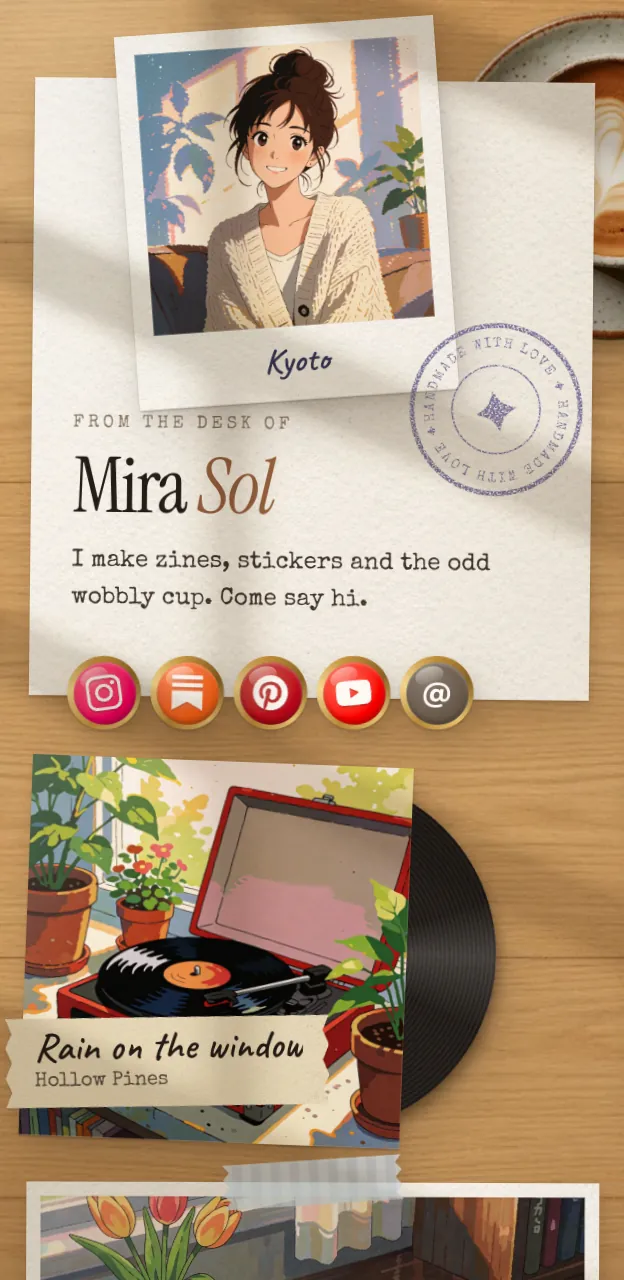
&look=painted. - Desk: your links as polaroids and notes on a wooden desk. Add
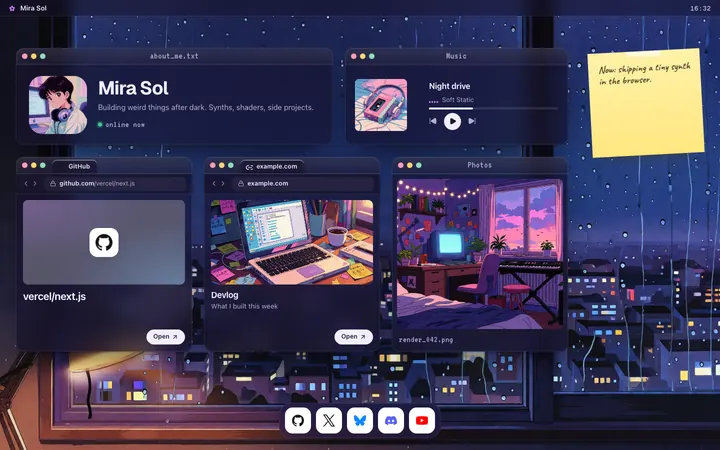
&look=cozy. - Lofi: a cozy desktop of little windows. Add
&look=lofi.
Washi, Cobalt and Night are on Pro, at $5 a month. You can change the look any time after you keep the page, so do not agonise. See all six looks on a phone and a desktop.




#Put it on every profile
Once the page is live, copy its address and add it to each app. Every app hides the link field somewhere different. For step-by-step guides, see TikTok, YouTube and Spotify.
| App | Where the link goes | Limit or rule |
|---|---|---|
| Edit profile, then Links, then Add link | Up to 5 links; the first shows on your profile | |
| TikTok | Edit profile, then Add next to Links | Website link needs 1,000 followers or a registered business account |
| YouTube | YouTube Studio, then Customization, then Links under Profile | Up to 14 links; the first shows near Subscribe |
| X | Edit profile, then the Website field | One website, shown under your bio |
Checked against each app's help pages and settings in October 2026. Apps rename these screens often, so look for the nearest match.
Instagram. In the app, go to your profile, tap Edit profile, then Links, then Add link. Paste the address, add a title and tap Done. Make your link page the first link, since only the first is shown before "and others". Full steps are in how to add a link in your Instagram bio.
TikTok. Tap Profile, then Edit profile, then Add next to Links. According to TikTok's help center, a website link needs 1,000 followers or a Registered Business Account. If you do not see the option yet, that is usually why.
YouTube. Sign in to YouTube Studio, open Customization, then Profile (Basic info on some accounts). Under Links, click Add link, enter a title and the address, then Publish. YouTube's help says you can show up to 14 links, and the first appears near the Subscribe button. Put your link page first.
X. On your profile, choose Edit profile, paste the address into the Website field and save. It shows under your bio.
Then open your own profile in each app and tap the link, to check it works.
#Keep it current
A link page goes stale quickly. Two habits help:
- Update the top link when something new is out. A new video, a new drop, a new event.
- Check your stats once a month. If a link gets no taps for a month, take it off. Posy Free keeps 30 days of visit stats.
If you would rather not open an editor at all, you can connect Claude or ChatGPT to your page and ask for the change in a sentence. See let your AI build your link in bio.
#Where Posy is not the right pick
- You only have two or three links, and only use Instagram. Instagram's built-in links do the job without any tool.
- You sell from the page. Posy has no checkout. Linktree or Beacons have selling built in; see Linktree vs Beacons.
- You need a small website with sections and forms. Use a site builder such as Carrd; see Linktree vs Carrd.
- You want your own domain for free. That is Posy Pro, or free if you self-host it.
For other tools, see free Linktree alternatives.
#FAQ
#How do I make a link in bio for free?
Use any tool with a free plan. On Posy, open a /new link with your name and links, keep the page, and copy its address into your profiles. Free includes unlimited links and three looks.
#How many links should a link in bio have?
Five to eight works for most people. Put the newest or most important first and group the rest under short headings.
#Do I need an account to make a link in bio?
Not to try one on Posy. A /new link opens a preview with no login. You sign up only to keep the page at your own address.
#Why can't I add a link to my TikTok bio?
TikTok's help center says a website link needs 1,000 followers or a Registered Business Account, as of October 2026.
#Can I use the same link in bio everywhere?
Yes. That is the point of it. Put the same address on Instagram, TikTok, YouTube, X and your email signature, and update the page in one place.