 posy
posyLinktree importer
Bring your Linktree to Posy in one paste.
Paste your linktr.ee address. Posy reads your public page and builds the same links as a Posy page you can preview, restyle and claim for free.
How it works
Paste your Linktree
Your full address (
linktr.ee/yourname) or just the name. Posy reads the public page, the same one your visitors see.Pick a look
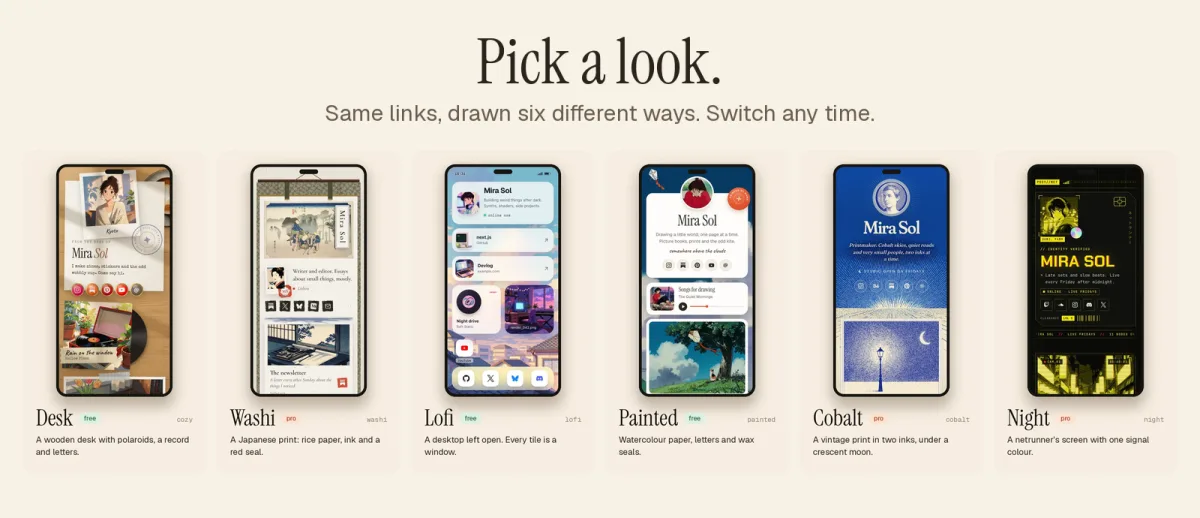
Painted, Desk or Lofi, all free. You can switch looks and palettes later in the editor.
Check the preview
You land on a preview of your new page with every link in place. Nothing is saved yet.
Claim it
Pick your posy.page address and sign up. The page is waiting for you in the editor.
What carries over, and what does not
The importer copies what your page shows in public. Anything that only works inside Linktree stays there.
| Comes across | What happens | |
|---|---|---|
| Name and bio | Yes | Your display name and the short line under it. |
| Profile photo | Yes | Posy links to the picture. Upload your own copy in the editor if you plan to close your Linktree. |
| Links | Yes | Every public link, in order, with its title. Posy picks a tile for each one. |
| Headers | Yes | They become section headings. |
| Social icons | Yes | Instagram, TikTok, YouTube, X and the rest become social tiles. |
| YouTube and Spotify links | Yes, upgraded | They become playable video and music tiles. |
| Shop, products and payments | No | Linktree commerce runs on Linktree. Link to your shop instead. |
| Forms and email sign-ups | No | Link to the form or newsletter page you already use. |
| Analytics and click history | No | Your stats stay with Linktree. Posy starts counting from the day you switch. |
| Theme and colours | No | You pick a Posy look instead, with four palettes each. |
| Locked, scheduled or age-gated links | No | They are not public, so the importer cannot see them. |
Then make it yours
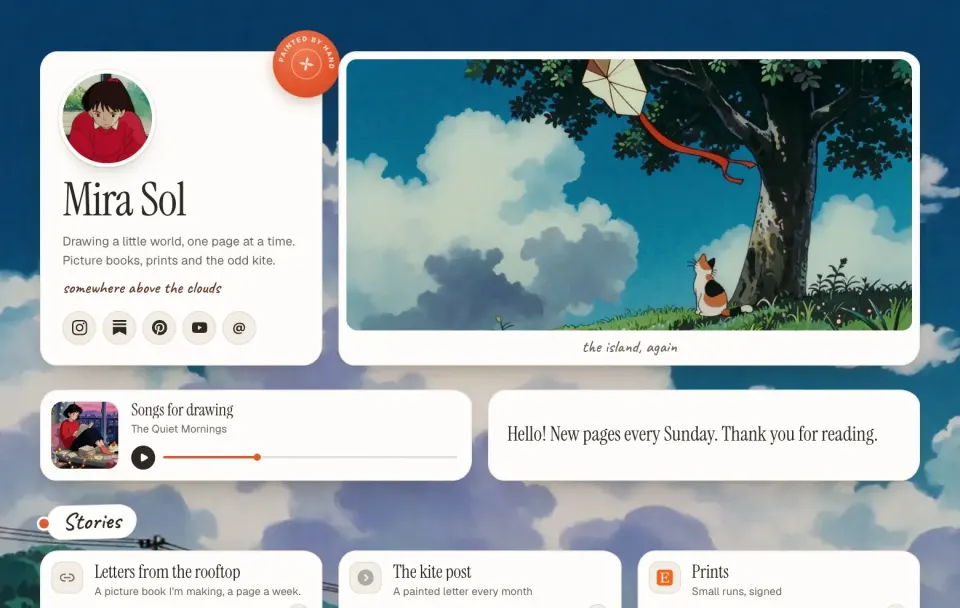
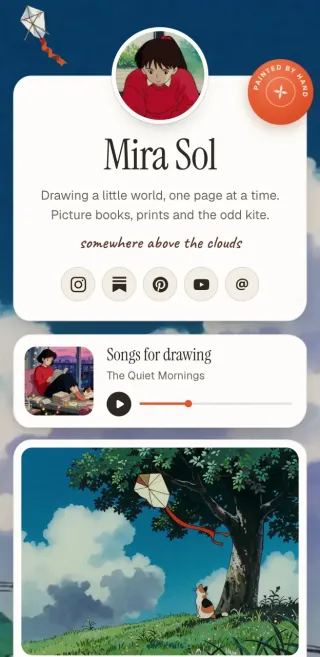
An import gives you the same links. The look is where Posy differs: Painted is a watercolour scene, Desk puts your links on a desk with polaroids and sticky notes, and Lofi turns them into little windows on an old desktop.
In the editor you can drag tiles into a grid, resize them, add notes and pictures, and switch looks at any time. See how Posy compares with Linktree for the full picture.
What happens to your Linktree
Nothing. The importer only reads your public page; it never signs in, changes or deletes anything on Linktree, and Posy does not keep a copy of what it read.
Keep both running while you settle in. When you are happy, put your posy.page address in your Instagram, TikTok or YouTube bio, and close the old page whenever you like.
Still deciding? Read the Linktree alternative guide or our list of free Linktree alternatives.
Questions
How do I move from Linktree to Posy?
Paste your linktr.ee address into the box at the top of this page, pick a look and press Import. You get a preview with all your links, and one button to claim it.
Can I export my links from Linktree?
Linktree has no export button for your links. This importer does the job: it reads your public page and turns it into a Posy page file you can keep or edit.
Is the importer free?
Yes. Importing is free, the three looks offered here are free, and a Posy page with unlimited links is free forever.
Why did my Linktree not import?
The page has to be public. Pages behind a password or an age check, pages that are suspended, and pages with no links cannot be read. You can always paste your links into Posy by hand.
Do my Linktree analytics come with me?
No. Click history stays with Linktree. Posy has its own private analytics that start counting the day you publish.
Does Posy store my Linktree data?
No. The page is read once to build your preview and nothing is saved until you claim the page and sign up.