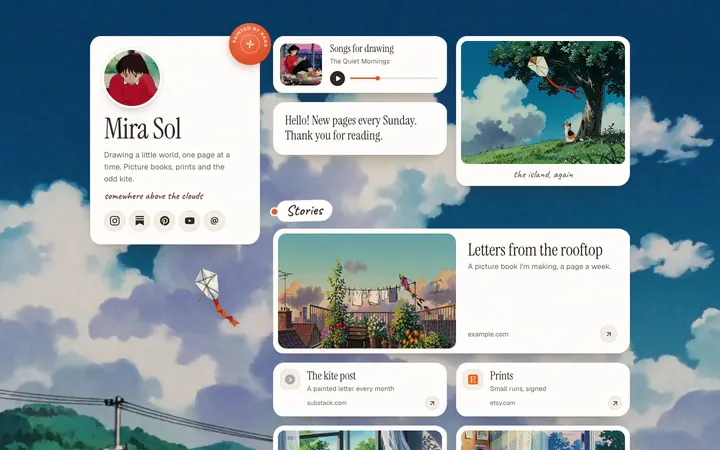
posy
posy

To put a Spotify link in your bio, open Spotify, go to the artist, song, album or playlist, tap the three dots, tap Share, then Copy link. Then open Instagram, go to Edit profile, Links, Add link, and paste it. On TikTok, the same link goes under Edit profile, Links, once your account can add a website.
The steps are short. The choices around them are where people go wrong: which Spotify link to copy, what to do before a release is live, and how to fit Spotify next to everything else when a bio has room for one visible link. Spotify's steps here come from its help pages on sharing and finding artist, track and release links, read in October 2026.
#Copy the link
On your phone:
- Go to what you want to share: your artist profile, a song, an album or a playlist.
- Tap the three dots.
- Tap Share.
- Tap Copy link.
On a computer:
- Right-click the artist name, song, album or playlist, or click the three dots next to it.
- Choose Share.
- Choose the copy option. Spotify labels it by type: Copy link to artist, Copy Song Link or Copy Album Link.
The link looks like open.spotify.com/artist/.... That web address is the one to use in a bio. Spotify also offers a URI (spotify:artist:...) when you hold Alt or Option in the Share menu. A URI is meant to open the Spotify app directly, so keep it out of bios, where people may be in a browser or not have the app.
#Which Spotify link to use
| Link (Spotify, October 2026) | Where to get it | Use it when |
|---|---|---|
| Artist profile | Your profile, three dots, Share | Always-on bio link if you are the artist |
| Song | The track, three dots, Share | A single is out and you want plays on that song |
| Album or release | The release, three dots, Share | A new EP or album |
| Playlist | The playlist, three dots, Share | You curate, or you are not an artist |
| Unique link for a personalized editorial playlist | Spotify for Artists, Music, the song, Playlists | Your song was just added to one; it lasts 7 days |
URI (spotify:...) |
Hold Alt or Option in Share | Not in a bio; for tools that ask for it |
Two details worth knowing from Spotify for Artists:
- Unique links are for songs added to personalized editorial playlists. Spotify says listeners who click one "see your song at the top of the playlist for 24 hours," that the link is available for 7 days after the add, and that it only works when clicked or tapped, not copied and pasted. That makes it a good short-term bio or story link.
- Before release day, a track has no public link yet. Spotify suggests asking your label or distributor for it, or copying the URI from Spotify for Artists under Music, then Upcoming.
#Add it to Instagram
- In the Instagram app, go to your profile and tap Edit profile.
- Tap Links, then Add link.
- Paste the Spotify link and give it a short title, like "New single" or "Listen on Spotify".
- Tap Done.
Instagram allows up to 5 links without a subscription, and only the first one shows on your profile before a tap. So decide whether Spotify goes first. Full details, including why a link might not be clickable, are in how to add a link in your Instagram bio.
#Add it to TikTok
TikTok's help center says a website link in your bio needs 1,000 followers or a verified business account. If you have that, paste the Spotify link under Edit profile, Links. If you do not, there is no Spotify-specific shortcut: the workarounds are in how to add a link in your TikTok bio.
#Your other links, on your Spotify profile
The search also runs the other way: how to add Instagram to a Spotify artist profile. In Spotify for Artists, open View Profile, then About, then the edit control next to More Info. Spotify's help lists six link types: Instagram, Facebook, X, TikTok, Wikipedia and WhatsApp channels. A general website is not on that list, so a link-in-bio page has no slot there. Spotify's help on the artist bio (up to 1,500 characters) mentions links to your socials, Wikipedia and Spotify itself, and nothing about other websites.
#When one Spotify link is not enough
A Spotify link in a bio sends everyone to Spotify. That is fine until:
- Some fans use Apple Music or YouTube Music. A Spotify-only link loses them.
- You have a show, merch or a video too. One link cannot point at five things.
- You release often. Swapping the bio link every few weeks gets old, and old posts that say "link in bio" end up pointing at the wrong song.
That is where a link page earns its place. The bio holds one address that never changes, and the page holds the current single, the other streaming services, tour dates and merch. You update the page, not every profile.
#A page where Spotify plays
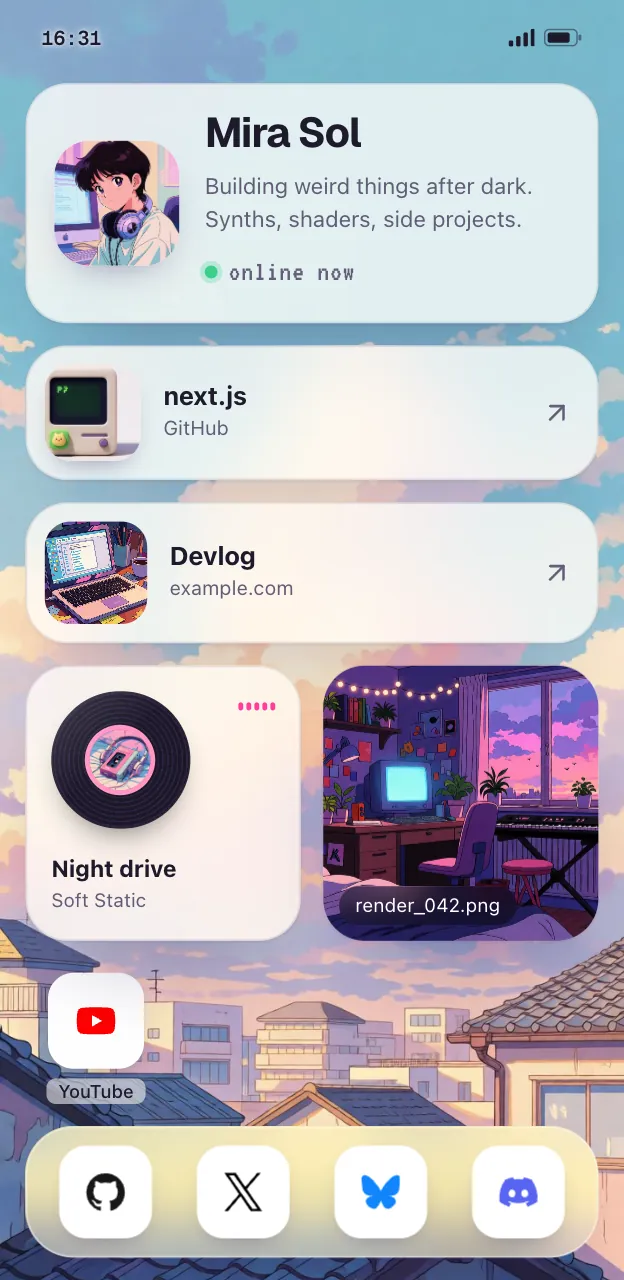
Here is the quick route with Posy, which is free and open source. (I make it, so take this as one option among several.)
- Sign up and pick a username.
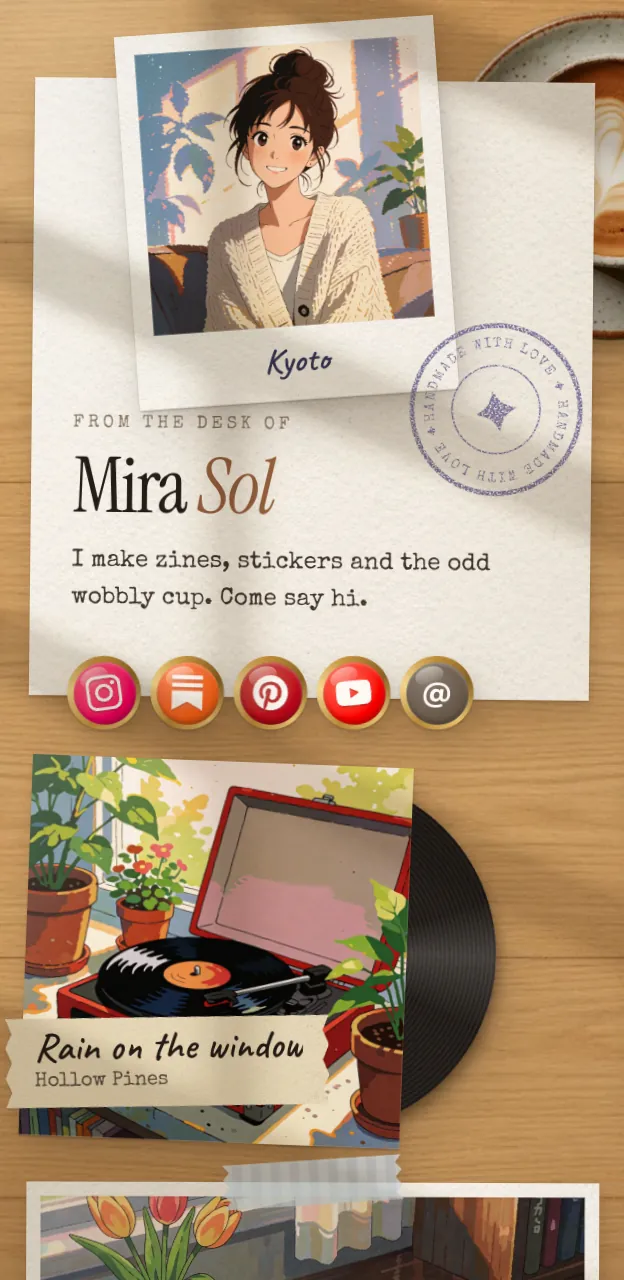
- Paste your Spotify link. Posy turns it into a music tile with the cover art, instead of a plain button. In the Desk look it becomes a record on a little player.
- Add the rest: YouTube videos become video tiles, socials become icons, a shop is a link.
- Publish and put the one address in Instagram, TikTok and YouTube.
More on what musicians usually put on the page is on link in bio for musicians.
#Where Posy is not the right pick
- You only want pre-saves and smart links for every release. Tools built for release campaigns, with per-service buttons and pre-save tracking, fit that job better. Posy is a page, not a release tool.
- You sell tickets or merch with checkout on the page. Posy has no checkout. Link out to your store, or see Linktree vs Stan Store.
- Spotify is your only link. Put it straight in your bio. You do not need a page.
For the full set of platform guides, start at how to make a link in bio page. YouTube steps are in how to add links to your YouTube channel.
#FAQ
#How do I get my Spotify artist link?
Go to your artist profile, tap the three dots, tap Share, then Copy link. On a computer, choose Copy link to artist.
#How do I put a Spotify playlist link in my Instagram bio?
Open the playlist, tap the three dots, Share, Copy link. In Instagram, go to Edit profile, Links, Add link, and paste it.
#Can I add my website to my Spotify artist profile?
Spotify's help lists Instagram, Facebook, X, TikTok, Wikipedia and WhatsApp channels as the links you can add, as of October 2026. A general website is not one of them.
#Should I use the Spotify URL or URI in my bio?
The URL (open.spotify.com/...). A URI is meant to open the Spotify app and is not a normal web address.
#What is a Spotify unique link?
A link from Spotify for Artists for a song added to a personalized editorial playlist. Listeners who tap it see your song at the top of the playlist for 24 hours. It is available for 7 days after the add.