 posy
posyLook 5 of 6
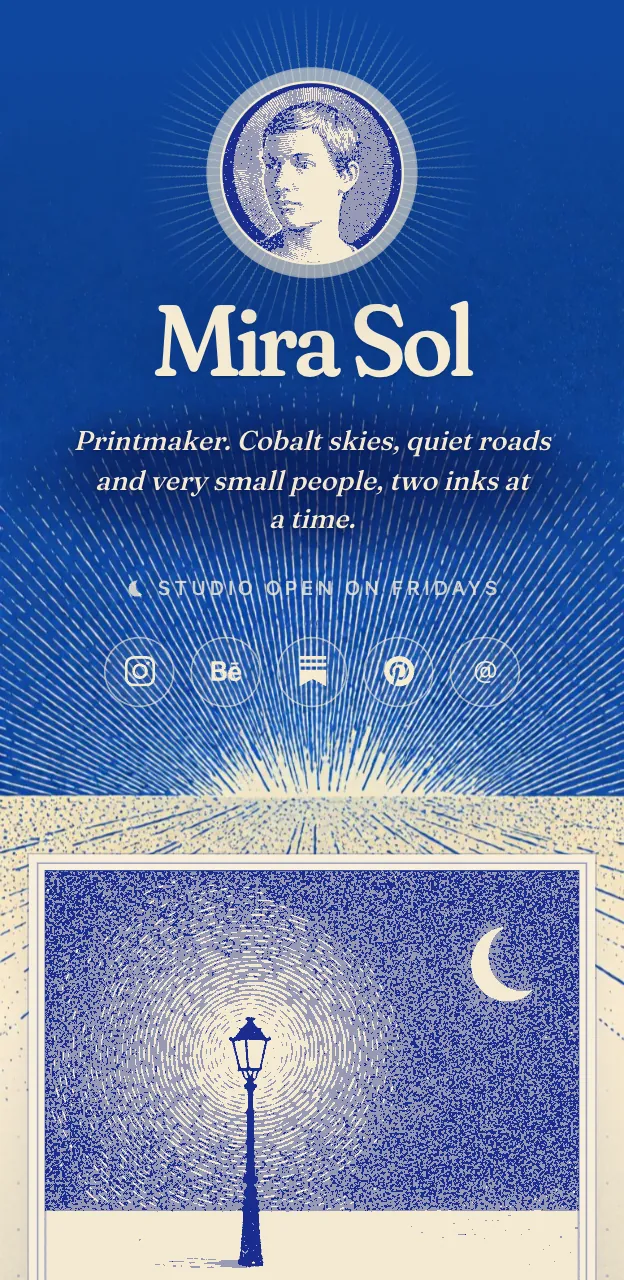
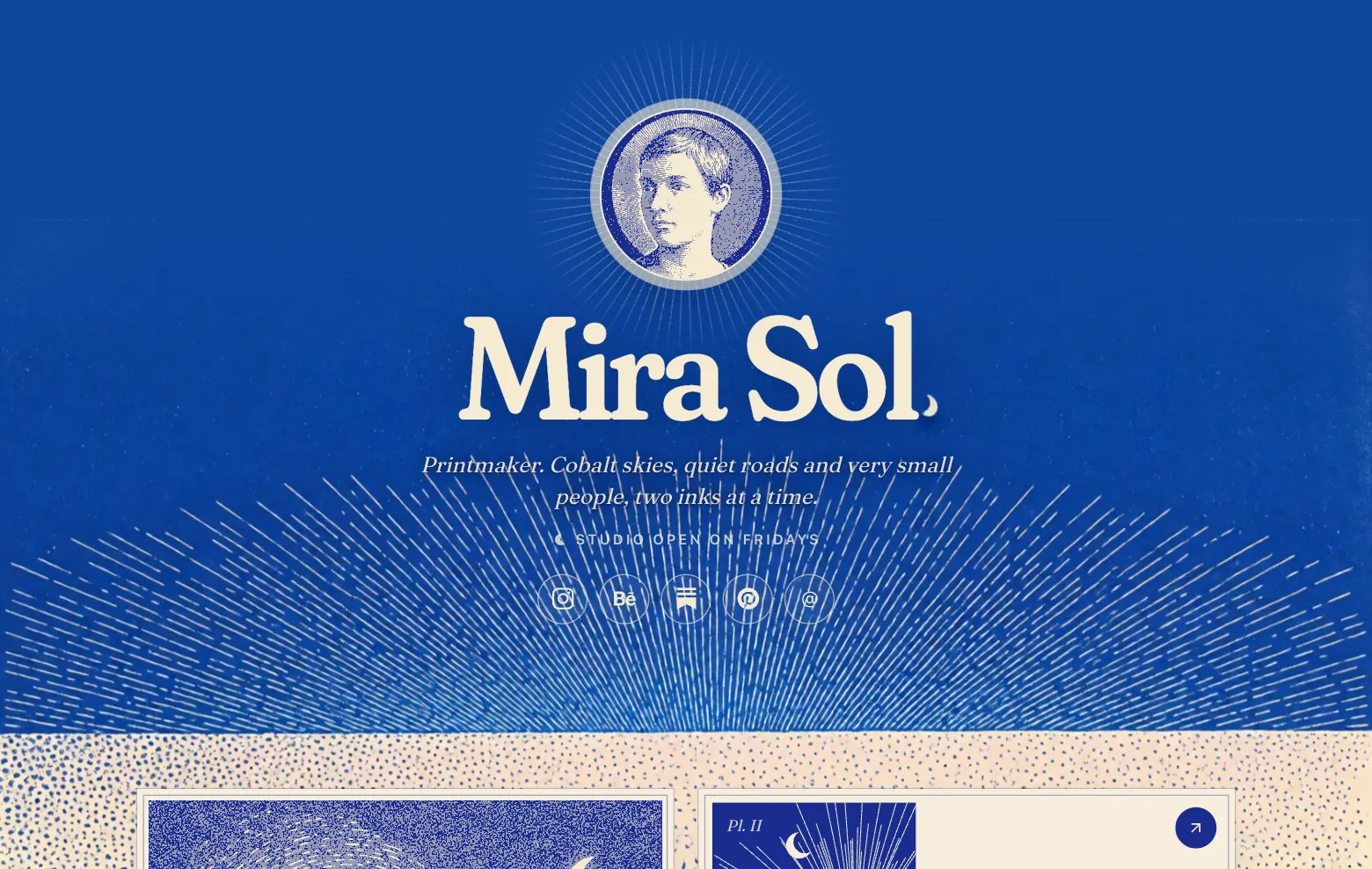
Cobalt: a vintage print in two inks.
- Pro on posy.page
- Free when self-hosted
- Cobalt
- Vermilion
- Moonlit
- Verdigris
Every photo is reprinted in cobalt and cream, and every link is a numbered plate, under a crescent moon. It is the most editorial look.
Two inks, one idea
Cobalt behaves like an old print run with only two colours available. Your photographs are reprinted in cobalt and cream, your links become numbered plates, and a crescent moon looks down on the whole thing.
Because the photos are re-inked, mismatched pictures look like a set. Change the palette to Vermilion, Moonlit or Verdigris and the whole page changes ink.
Who it suits
Photographers
Photos with different light and colour turn into one consistent series.
Designers
A confident look with a strong grid and a point of view.
Musicians
It reads like a record sleeve.

Cobalt or something else?
Tips for a Cobalt page
Choose photos with strong shapes
Two inks flatten colour, so pictures with clear shapes and contrast do best. Muddy, low-contrast photos get muddier.
Let the plates be numbered
Links are drawn as numbered plates, so the order you put them in matters. Put the most important one first.
Pick the ink for your mood
Cobalt is the classic blue. Vermilion is a warm red-orange and Verdigris a soft green. Moonlit is the one for crescent-moon nights. Try each.
Keep text short
A print has little room for words. Short titles and one-line notes read best.
Make a Cobalt page
Make your page first
Add your links and photos in any free look so the content is ready.
Upgrade to Pro
Cobalt comes with Pro.
Switch to Cobalt
Choose it in the editor and look at your photos reprinted in two inks.
Pick an ink and publish
Try each palette, choose one and publish.
Questions
Is Cobalt free?
Cobalt is part of Pro on posy.page, which is $5 a month or $48 a year. Self-hosted, every look is free.
Are my original photos changed?
No. The re-inking is how the look shows them. Your uploaded originals are untouched.
What are the palettes?
Cobalt, Vermilion, Moonlit and Verdigris, each a different pair of inks, plus any accent colour you set.