posy
posy
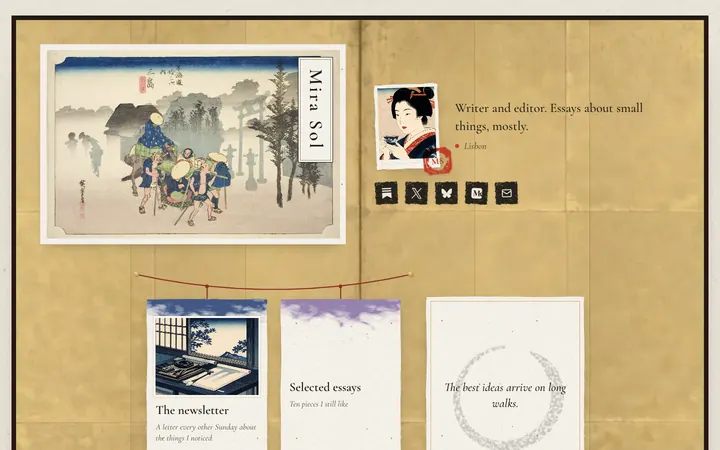
An author's link in bio should lead with your newest book, through one link that opens every store, then your newsletter, then where readers can follow you. As of October 2026 the store link can be free: Books2Read makes universal book links, and Amazon and Goodreads author pages cost nothing to claim.
Most author pages fail in one of two ways: a single Amazon link that loses every reader who buys elsewhere, or twenty buttons with no order. This guide covers what goes on the page and in what order, the free author tools worth setting up first, and a quick way to build the page. I make Posy, so I will say where it is the wrong pick. Details about the other tools come from their own help pages, read on 17 October 2026.
#What goes on an author's page
In this order:
- The newest book. Cover, title, one line, and a link that opens every store.
- Your newsletter. For most authors this is the thing that sells the next book, so give it a big tile.
- Preorders or the next release, if you have a date.
- Your backlist. Two or three books, not all of them.
- Events. Readings, signings, festivals, with dates.
- Where to follow you. Small icons: Instagram, Threads, Bluesky, Substack, Goodreads.
- Contact. An email for agents, press and bookings.
A short bio and your location go under your name. Save the long version for your website.
#Free author tools to set up first
These three are free and take an afternoon between them. Each one gives you a link worth putting on your page.
#Books2Read: one link for every store
Books2Read, run by Draft2Digital, makes a universal book link. You paste a link to your ebook at any major store (Books2Read says Amazon, Apple, Barnes & Noble, Kobo or Google work best), and it finds the book at the other stores and gives you one address. Readers choose their store, and can ask it to remember their choice.
You do not need an account to make one. A free account lets you edit the stores, see clicks, add your own affiliate codes and register a custom name. One detail from its terms: if you do not add affiliate codes, Draft2Digital may use its own. If you are an affiliate, add yours.
#Amazon Author Central: your Amazon author page
Amazon's Author Central gives you an author page with your bio, photo and every book, and a Follow button that tells followers when you release. From KDP, go to Marketing, find Author Central, choose a marketplace and click Manage author page. Join for free, search for one of your books by ISBN, ASIN or name, and claim it.
#Goodreads Author Program: your reader profile
The Goodreads Author Program is free for any author with a published or soon-to-be-published book in its database. On the desktop site, find your book, click your author name, scroll to the bottom of the profile and click Is this you? Let us know! Goodreads says it emails you when you are approved, within 2 business days.
#Free author links compared (October 2026)
| Tool | What it gives you | Cost | Best spot on your page |
|---|---|---|---|
| Books2Read universal book link | One link to every store for a book | Free, no account needed | The large tile for your newest book |
| Amazon Author Central | Your Amazon author page with all your books | Free | A link under "Books" |
| Goodreads Author Program | A verified author profile for readers | Free | A small icon or link |
| A newsletter (Substack, Buttondown, beehiiv, Ghost) | Readers you can email | Free plans exist | The second tile, big |
| A link page (Posy or similar) | One address for all of the above | Free | Your bio on every platform |
#Build the page
Here is the route with Posy, which is free and open source.
- Sign up and pick a username, ideally your author name.
- Paste your Books2Read link and make it the large tile. Add the cover as an image tile beside it.
- Paste your newsletter link. Posy recognises Substack, Buttondown, beehiiv, Kit, MailerLite and ghost.io links as newsletters, and on the Desk look they become envelopes.
- Add a heading tile, "Books", then your Amazon author page and two backlist titles.
- Add a note tile for events: "Reading at [your bookshop], 8 November." Notes take bold, italics and links.
- Add your socials as icons. Posy has 29 platforms, including Threads, Bluesky, Substack and Medium.
- Publish and put the address in your Instagram, Threads, TikTok and X bios.
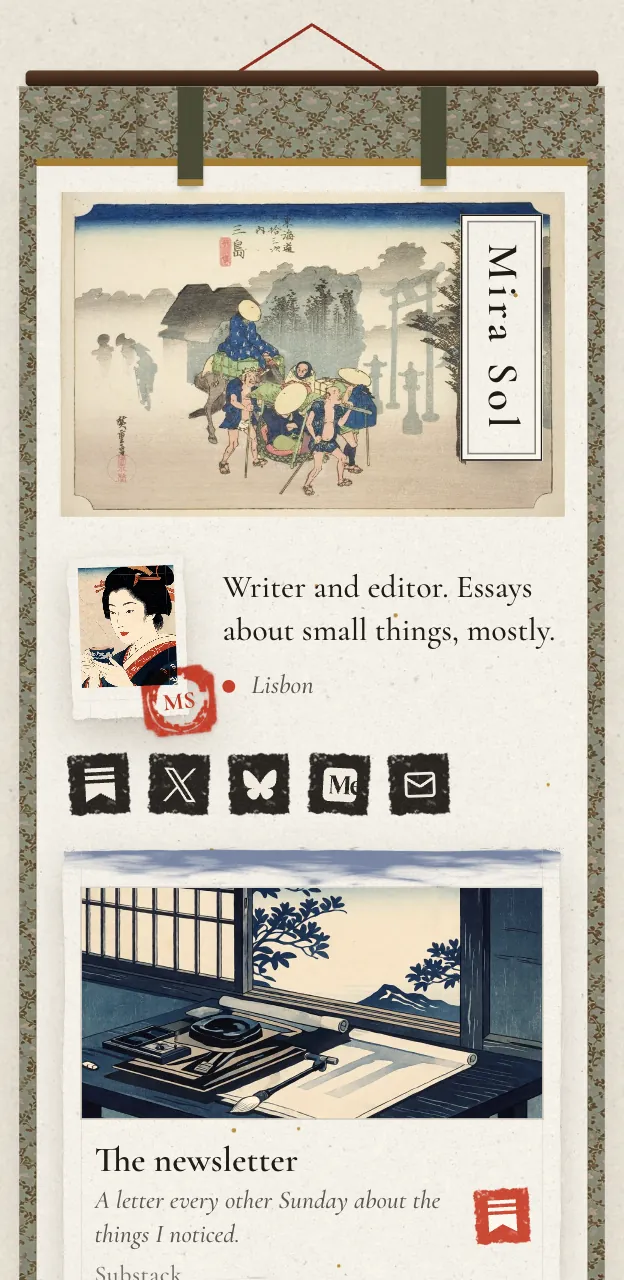
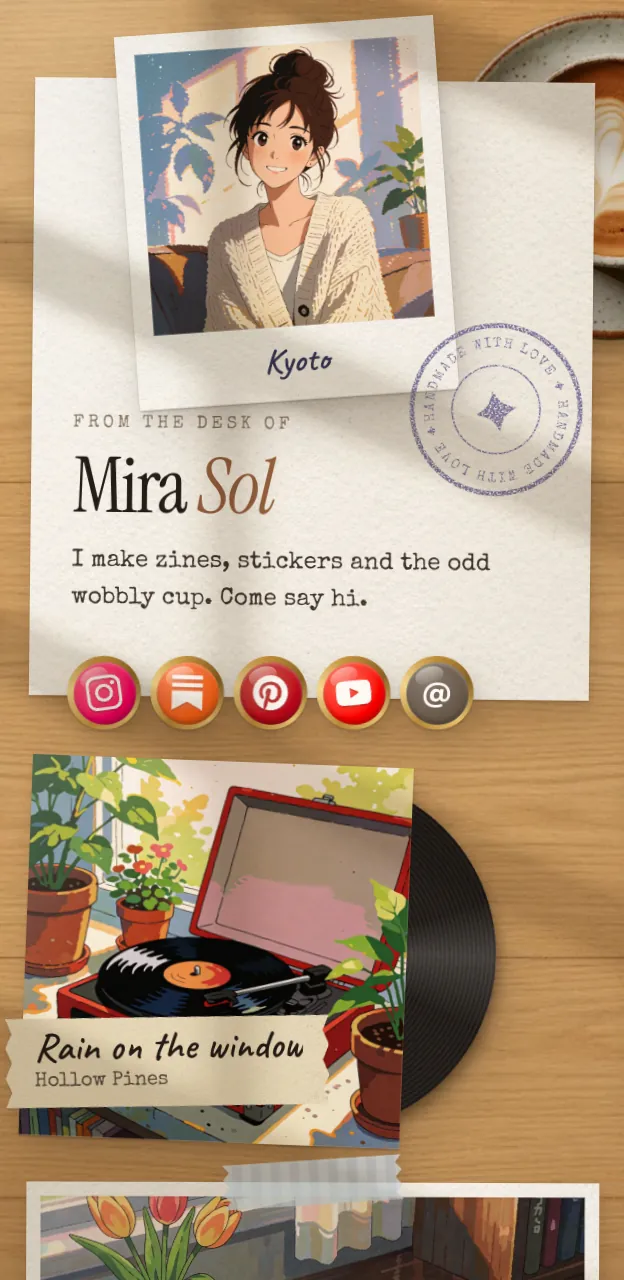
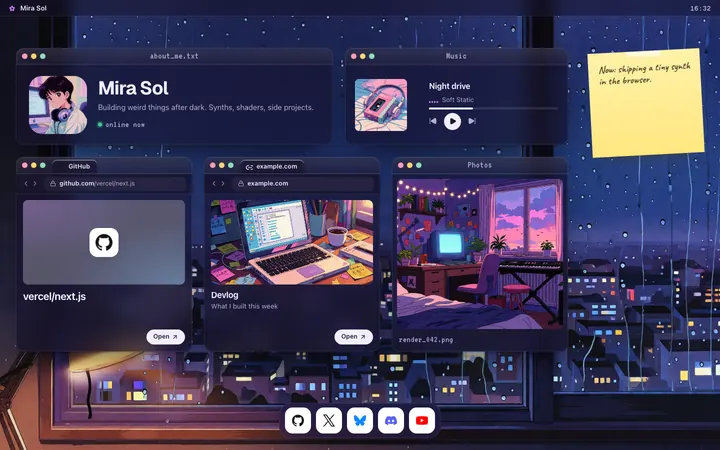
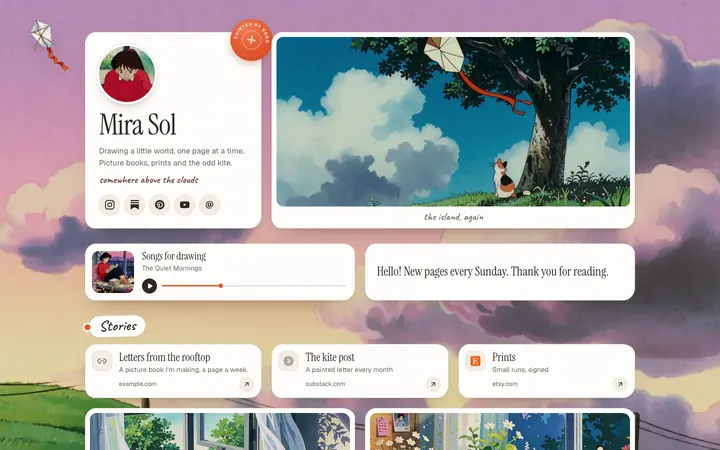
Most writers end up on Washi, a Japanese woodblock print with your name on a title slip and a red seal with your initials. It comes with Pro, $5 a month or $48 a year. On the free plan, Painted suits literary fiction and poetry, and Desk suits newsletter writers. More on all three is on link in bio for writers.
#Putting the link on each platform
Instagram allows up to 5 bio links, but only the first shows before a tap, so put your page first. The steps are in how to add a link in your Instagram bio. If you also run a show about books, link in bio for podcasters covers Spotify and Apple Podcasts links. Illustrators and picture-book makers may want Linktree alternatives for artists.
#Where Posy is not the right pick
- You sell signed copies from the page. Posy has no checkout and takes no payments. Link to your shop or a bookstore.
- You need a full author website. A blog, a press kit, an excerpt per book and a media page are a website's job. Posy is one page.
- You want a mailing list signup on the page itself. Posy links to your newsletter rather than collecting emails. Substack, Buttondown and the rest host the signup form.
#FAQ
#What should an author put in their link in bio?
Your newest book first, through a universal book link, then your newsletter, then a short backlist and your socials.
#How do I make one link for all book stores?
Use a Books2Read universal book link. Paste your ebook's link from Amazon, Apple, Barnes & Noble, Kobo or Google, and it finds the other stores. It is free.
#Is Amazon Author Central free?
Yes. You join from the Marketing page in KDP and claim your books.
#How do I become a Goodreads author?
Find your book on the Goodreads desktop site, click your name, and click "Is this you? Let us know!" at the bottom of the profile. Approval takes up to 2 business days.
#Is Posy free for authors?
Yes. The free plan has Painted, Desk and Lofi, unlimited links and 30 days of stats. Washi, Cobalt and Night, a custom domain and no badge come with Pro. Guides for other creators are at link in bio for.