posy
posy

To add a link to your TikTok bio, open the TikTok app, tap Profile, tap Edit profile, then tap Add next to Links and follow the steps to add your website. As of October 2026, TikTok only shows the website option to personal accounts with 1,000 or more followers, or to accounts that have passed TikTok's business verification.
If you are under 1,000 followers, that second rule is why the option is missing. Most of the questions people search for ("without 1000 followers", "without business account", "not clickable") come from it. This guide covers the steps, the rule, the workarounds that actually work, and what to put behind the link once you have it. Steps and requirements are taken from TikTok's help center and its Business Help Center, read on 17 October 2026.
#Add a website link, step by step
In the TikTok app on your phone:
- Tap Profile at the bottom.
- Tap Edit profile.
- Next to Links, tap Add.
- Choose the website option and paste your URL.
- Save, then go back to your profile and tap the link to check it opens.
TikTok's help center describes these steps in the app. If you are on a computer and do not see a links field, do it on your phone.
#Why you don't see the option
TikTok's help center says you can add a link to your website "if you have 1000 followers or more, or a Registered Business Account." If neither is true, the website choice is not there. Nothing is broken on your phone.
One naming detail trips people up. TikTok's Business Help Center now calls the top tier a Verified Business Account and says it was "formerly known as Registered Business Account". So the two names in guides online are the same thing.
Put TikTok's two help centers together and you get this:
| Account (TikTok, October 2026) | How you get it | Website link in bio |
|---|---|---|
| Personal account under 1,000 followers | Default | Not offered |
| Personal account, 1,000+ followers | Grow the account | Yes |
| Account with Advanced Access | Link it to a TikTok for Business account or an unverified Business Center | You can edit a bio link, but TikTok says it is not displayed on the profile |
| Verified Business Account | Pass business verification | Yes, shown on the profile |
So switching to a Business Account on its own is not enough. Under 1,000 followers, the link only shows once verification is done.
#The Verified Business Account route
If you run an actual business, this is the way to get a link before 1,000 followers. It is free, but it asks for paperwork.
- Switch to a Business Account. TikTok's business page describes it as: open the menu at the top right of your profile, go to Settings and privacy, then Manage account, then Switch to Business Account, and pick a category.
- Complete business verification. TikTok's help lists three ways: the Web Business Suite, the Mobile Business Suite, or linking the account to a Business Center that is already verified.
- Upload an acceptable business document. TikTok keeps a list of acceptable documents by country, last updated August 2026. It is usually a business registration or licence.
Two trade-offs to know before you switch. Business Accounts use a commercial music library, not TikTok's general one, so some popular sounds will not be available to you. And verification is for registered businesses. If you are a creator without a registered company, this route usually is not open to you.
#What to do under 1,000 followers
If you are a creator, not a registered business, you can still send people somewhere:
- Link your Instagram or YouTube. Under Links, TikTok lets you connect an Instagram or YouTube account (and Lemon8). Its help center notes the feature "isn't currently available everywhere." Put your full link page in your Instagram bio, and the TikTok profile becomes one tap away from it.
- Write the address as text in your bio. It will not be clickable, but people can read and type it. Use a short one, like
posy.page/yourname, not a long URL. - Say it in the video and pin a comment. "Full list on my page, name in bio" works when the address is easy to remember.
Two things I would not do. Buying followers to cross 1,000 shows up in every Reddit thread on this, and the same threads warn that it hurts reach. And spreading a link in comments under other people's videos looks like spam, because it usually is.
#Why your TikTok bio link is not clickable
- You typed it into the bio text. Only links added under Links are clickable. Move it there once you are eligible.
- The link did not save. Go back to Edit profile and check the Links section.
- The page behind the link is down. If it opens but fails to load, the problem is the site, not TikTok.
- The link breaks TikTok's rules. Links must follow TikTok's Community Guidelines. Some domains and shorteners are refused or removed.

#One link, so make it count
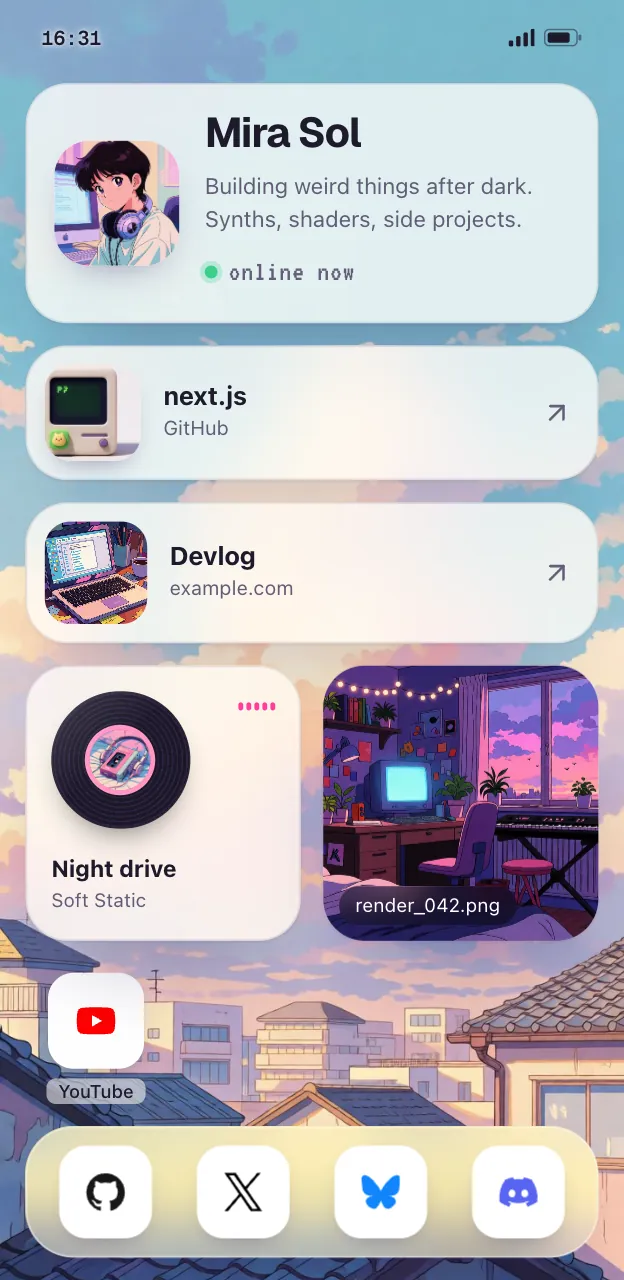
TikTok gives you one website link. Most people use it for a link-in-bio page, so the one link can hold the shop, the YouTube channel, the newsletter and the latest thing. If you only ever send people to one place, a direct link is simpler. If you send them to several, a page is easier to keep current, and you can use the same address on Instagram, YouTube and X.
What to put on it, briefly: your latest video or release first, then the 4 to 7 things people ask you for most. More in how to make a link in bio page.
#Make the page in a minute
Here is the quick route with Posy, which is free and open source. (I make it, so weigh this paragraph accordingly.)
- Sign up and pick a username. Your page lives at
posy.page/yourname, which is short enough to say out loud in a video. - Paste your links. A TikTok or Instagram profile link becomes a social icon, a YouTube video a video tile, a Spotify link a music tile.
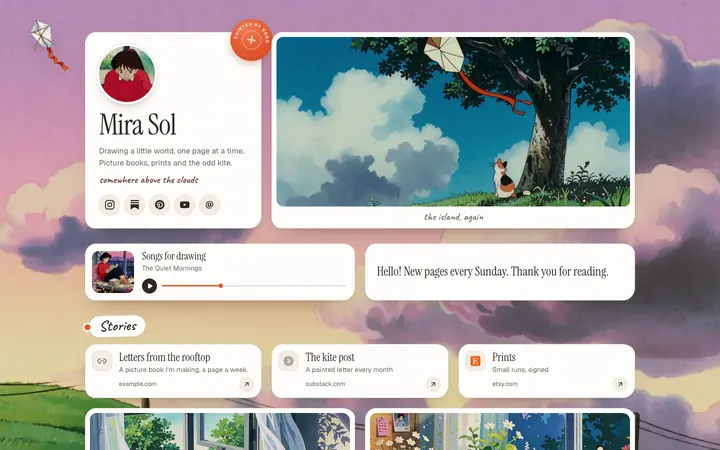
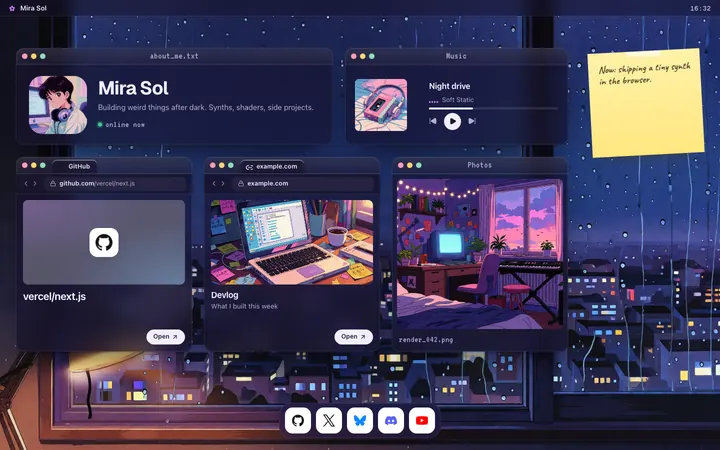
- Pick a look. Painted, Desk and Lofi are free; Lofi, the rainy desktop at the top of this post, suits a lot of TikTok accounts.
- Publish, copy the address, and add it under Links in TikTok.
#Where Posy is not the right pick
- You sell on TikTok Shop. Keep shoppers inside TikTok. A link page adds a step.
- You want one direct link. If everything goes to your store or one booking page, put that address in TikTok and skip the page.
- You need checkout on the page. Posy has no checkout. A storefront tool like Stan does; see Linktree vs Stan Store.
For the other platforms, see how to add a link in your Instagram bio and how to add links to your YouTube channel.
#FAQ
#Do you need 1,000 followers to add a link on TikTok?
For a personal account, yes. TikTok's help center says you need 1,000 followers or more, or a Registered (now Verified) Business Account, as of October 2026.
#Can I add a link to my TikTok bio without a business account?
Yes, once you reach 1,000 followers on a personal account. Before that, link your Instagram or YouTube under Links, or write a short address in your bio text.
#Can I add a link to my TikTok bio on PC?
TikTok's help center gives the steps for the app. If your computer does not show a links field, use your phone.
#Why is my TikTok bio link not showing?
Usually because the account is not eligible yet, so the website option never appears. If you added it, check that it saved under Links in Edit profile.
#Can I put a Linktree or other link page in my TikTok bio?
Yes. Any website link works once you are eligible, including a Linktree or a Posy page.