posy
posy

To add a link to your YouTube channel, sign in to YouTube Studio, open Customization, then Profile. Under Links, click Add link, enter a title and the URL, and click Publish. You can add up to 14 links. The first one shows in your channel header near the Subscribe button; the rest appear when someone taps to see more.
That covers the computer. Below are the phone steps, which link to put first, and the part most people get stuck on: which links on YouTube are clickable at all. Shorts, in particular, do not work like long videos. Everything here is checked against YouTube Help (channel profile and sharing links) as of October 2026.
#On a computer
- Sign in to YouTube Studio.
- In the left menu, click Customization, then Profile.
- Under Links, click Add link.
- Enter a title (what people see, like "Shop" or "Newsletter") and the URL.
- Click Publish.
To add a business email, use Contact info on the same Profile page. To edit or remove a link later, come back to the same Links section and publish again.
#On a phone
YouTube's help gives these steps for the YouTube Studio app on Android:
- Open the YouTube Studio app.
- Tap your profile picture at the top right.
- Next to your channel description, tap Edit.
- Under Links, tap Edit.
- Tap Add, enter the title and URL, tap Done, then Save.
If a label looks different on iPhone, look for the closest match, or do it once on a computer. Links are part of your channel, so they show the same on every device.
#Which link to put first
Only the first link is visible without a tap. YouTube says it is "prominently displayed in the profile section near the subscribe button". So the first link is the one that gets clicked.
Put the link that covers the most ground first. For most channels that is a link-in-bio page with everything on it, or your shop if selling is the point. Then add your main socials and anything you want to keep easy to find. Fourteen is a ceiling, not a target; a short list is easier to scan.
Older guides talk about links on the channel banner. YouTube's current help describes links in the profile section instead, so if a tutorial shows links over your banner art, it is out of date.
#Which links are clickable on YouTube
This is the table YouTube publishes, trimmed to the places people ask about:
| Where the link is (YouTube Help, October 2026) | Clickable |
|---|---|
| Channel profile links (the 14 above) | Yes |
| Long-form video descriptions and comments | Yes, once your channel has advanced features |
| Shorts descriptions and Shorts comments | No |
| A Related Video link on a Short | Yes, to another YouTube video |
| Live chat and description on a horizontal live stream | Yes |
| Live chat and description on a vertical live feed in the mobile app | No |
| YouTube Shopping affiliate links | Yes |
YouTube says Shorts links are not clickable "to reduce spam and scam attempts." So if you make Shorts, "link in description" will not work. Say "link on my channel" instead, and make sure your channel links are set up.
Advanced features, needed for clickable links in long video descriptions, come from completing phone verification and then either building enough channel history or verifying with an ID or a video. You start in YouTube Studio under Settings, Channel, Feature eligibility. YouTube notes that ID and video verification are not available to every creator.
#Why a link is not clickable
- It is in a Shorts description or comment. Those are never clickable. Use your channel links or a Related Video.
- Your channel does not have advanced features yet. Long-form description links stay plain text until it does.
- It breaks YouTube's external links policy. YouTube removes links to sites that violate it.
- You did not publish. Changes in YouTube Studio only go live after Publish (or Save on the phone).
#Put your YouTube channel in other bios
The other half of this search is people trying to send Instagram or TikTok viewers to their channel.
- Copy your channel address. Open your channel in a browser and copy the URL from the address bar. The handle version (youtube.com/@yourname) is the easiest to read.
- Instagram: add it under Edit profile, then Links. Instagram allows up to 5 links without a subscription. Steps in how to add a link in your Instagram bio.
- TikTok: under Edit profile, Links, you can connect your YouTube account where the feature is available, even before you can add a website. See how to add a link in your TikTok bio.
#A page that plays your videos
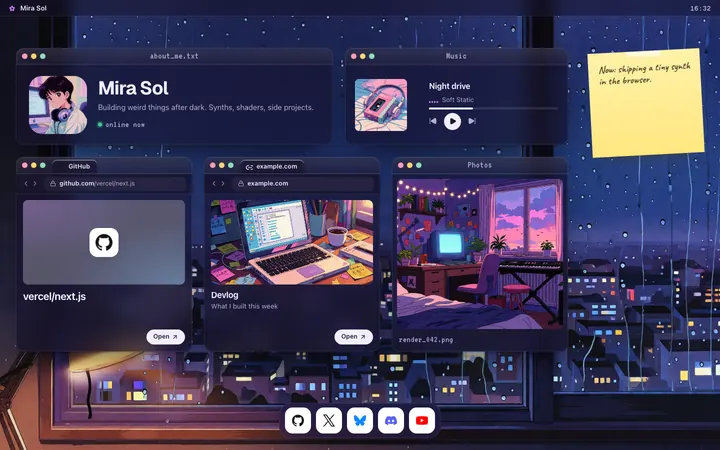
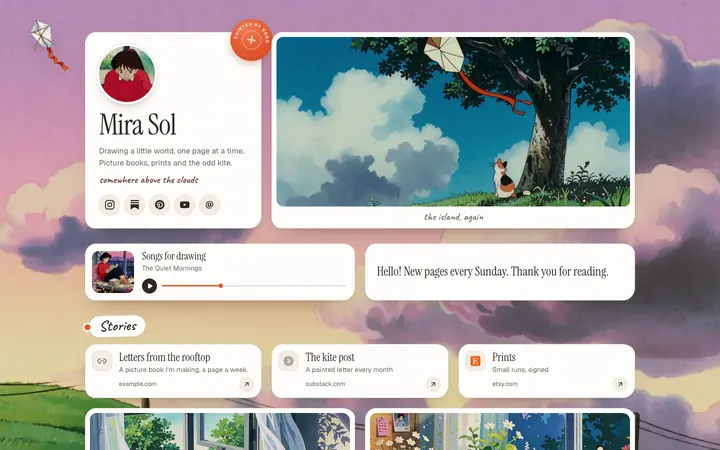
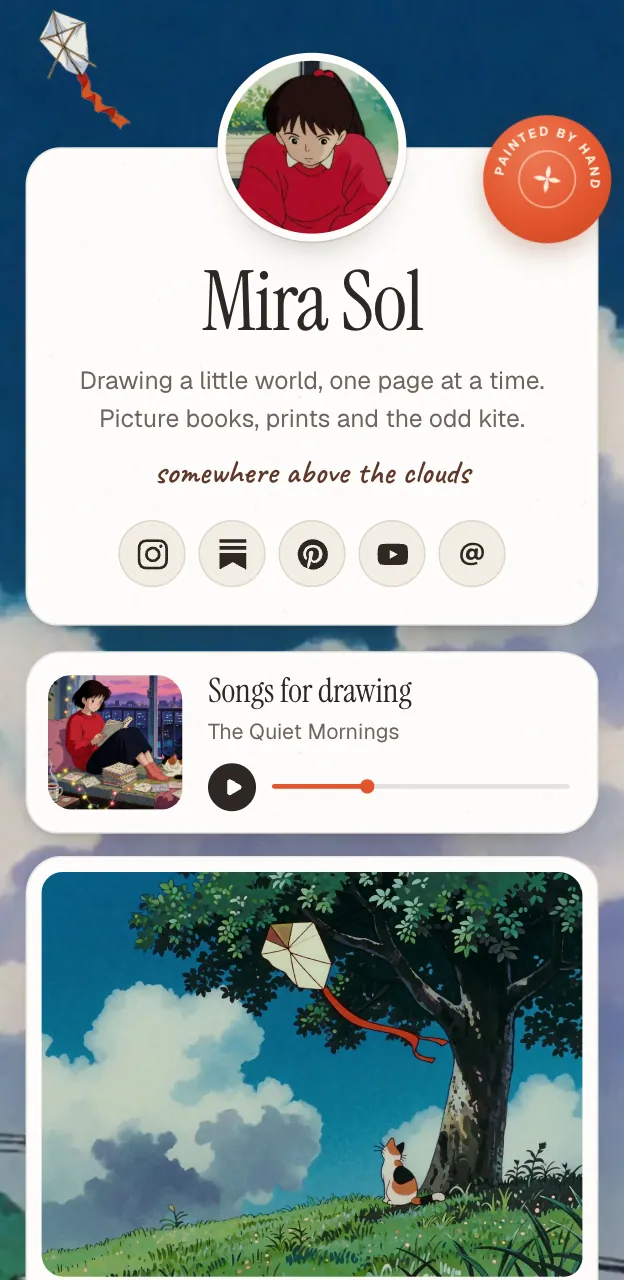
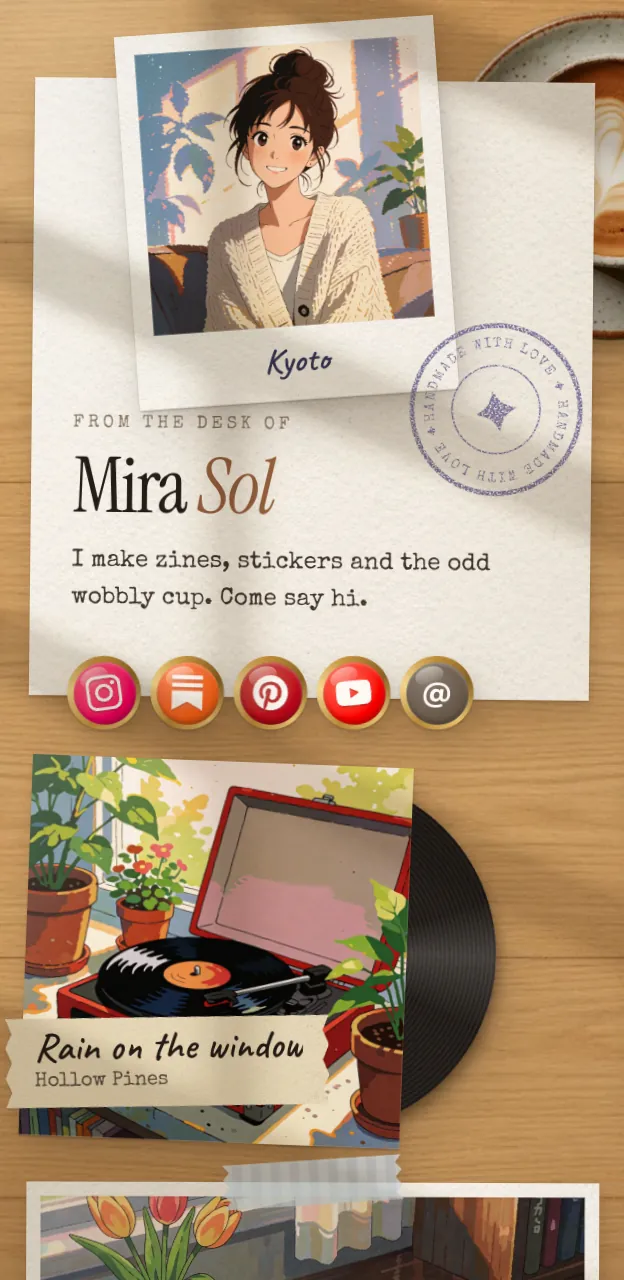
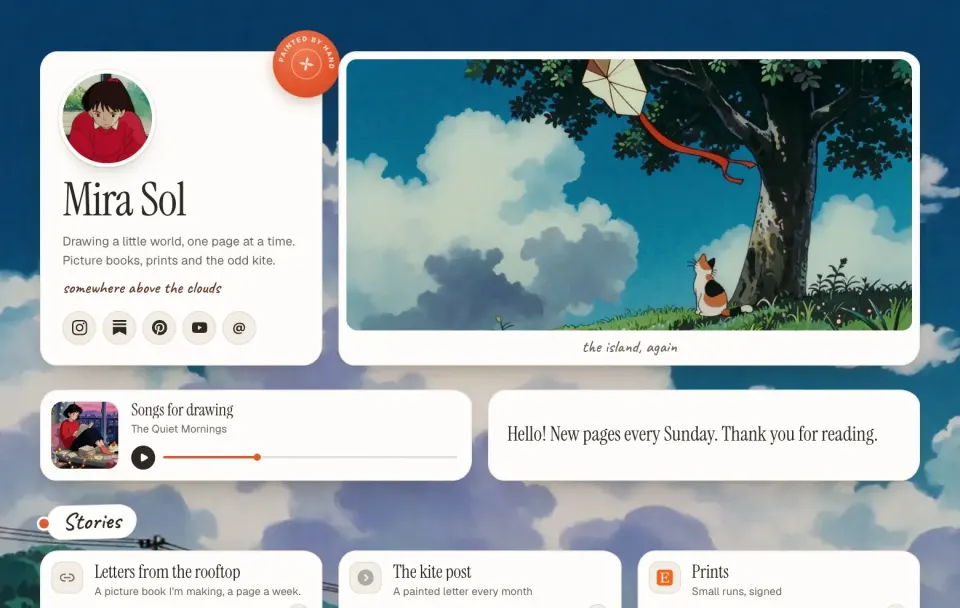
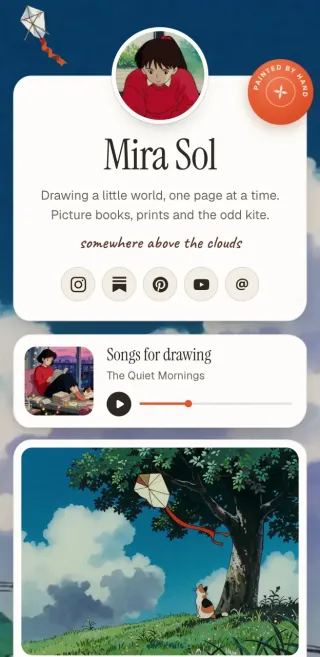
If the first link on your channel is a link page, it helps when that page shows the videos, not just their titles. Here is the quick route with Posy, which is free and open source. (I make it, so read this as one option.)
- Sign up and pick a username.
- Paste links. A YouTube video link (including a Short or a live stream) becomes a video tile, not a plain button; in the Desk look it is a ticket that opens the video. A Spotify link becomes a music tile; your socials become icons.
- Pick a look and publish.
- Add the address as the first link in YouTube Studio.
#Where Posy is not the right pick
- You only need two or three links. YouTube gives you 14. Use them directly.
- You sell through YouTube Shopping. Those links already work inside YouTube, so keep buyers there.
- You want link scheduling or email capture on the page. Posy does neither. Linktree's paid plans schedule links, and Beacons has email tools; see Linktree vs Beacons.
More platform guides start from how to make a link in bio page.
#FAQ
#How many links can I add to my YouTube channel?
Up to 14, according to YouTube Help in October 2026. The first one shows near the Subscribe button.
#How do I add links to my YouTube channel on mobile?
In the YouTube Studio app, tap your profile picture, tap Edit next to your channel description, then Edit under Links. Tap Add, enter the title and URL, then Done and Save.
#Why are links in my YouTube Shorts description not clickable?
YouTube made URLs in Shorts descriptions and comments non-clickable to reduce spam and scams. Point viewers to your channel links, or add a Related Video to the Short.
#How do I make links clickable in my video description?
Your channel needs advanced features. Complete phone verification, then build channel history or verify with an ID or video, under Settings, Channel, Feature eligibility in YouTube Studio.
#Can I add links to my YouTube banner?
YouTube's current help puts channel links in the profile section, not on the banner. Add them under Customization, Profile, Links.