posy
posy


A link in bio is one of the few things you put on everything: your profiles, your slides, your email signature. If it lives on someone else's service, then the address, the look and the data are all on loan.
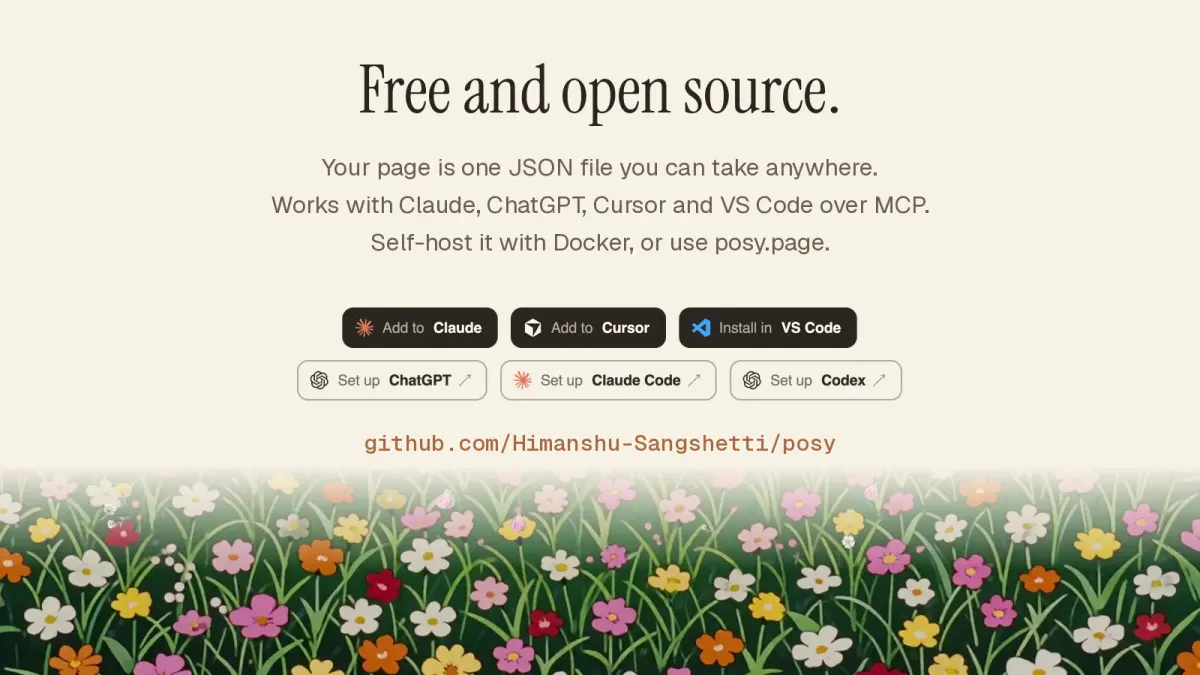
Self-hosting changes that. This guide shows how to run Posy, an open-source link-in-bio app, on your own server. It is MIT licensed, runs as one Node app and unlocks every look when you host it yourself. If you would rather not run a server, posy.page runs the same app for you, and you can move between the two later.
#What you are running
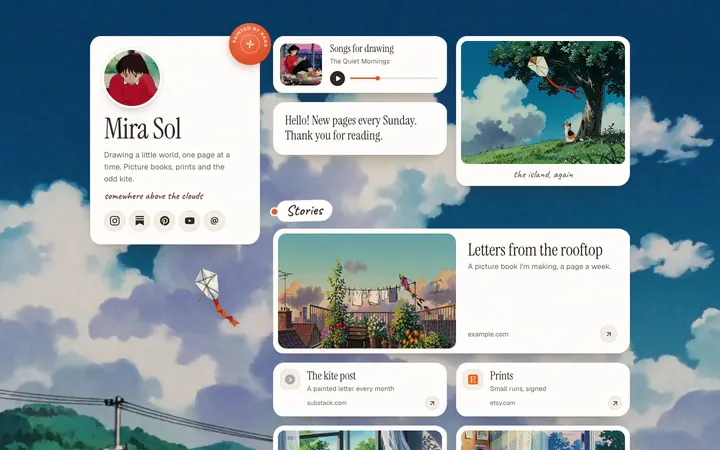
Posy is one Next.js app with a database and a place for uploads. It includes the editor, the six looks, a REST API, a CLI and a hosted MCP server, so your AI can edit your page on your own address too.
By default the database is a SQLite file and the uploads sit next to it in a data folder. On Vercel, which has no persistent disk, you use Turso for the database and Vercel Blob for uploads.
The first account you create owns the instance, and / becomes that account's page. After that, sign-ups close, unless you change the setting.
#Which option should you pick?
If you are unsure, use this rule of thumb. Docker suits a small VPS or a spare machine at home, and it is the path with the fewest moving parts. Vercel suits you if you already deploy there and do not want to look after a server, at the cost of setting up two extra services. A plain Node host suits you if you already have a process manager and a reverse proxy and would rather not add containers to the mix.
All three run the same app, so the choice is about where you want to spend your attention, not about what you get.
#Option 1: Docker
This is the simplest route, and I would use it for a small VPS or a home server. You need Docker and nothing else.
git clone https://github.com/Himanshu-Sangshetti/posy.git && cd posy
docker build -t posy .
docker run -d --name posy -p 3000:3000 -v posy-data:/data \
  -e NEXT_PUBLIC_SITE_URL=https://links.example.com \
  -e BETTER_AUTH_URL=https://links.example.com \
  -e BETTER_AUTH_SECRET=$(openssl rand -base64 32) \
  --restart unless-stopped posy
Use http://localhost:3000 for both URLs while you try it out. Open the address and sign up.
If you prefer Compose, edit docker-compose.yml to set the two URLs and a long random secret, then run docker compose up -d.
#Option 2: Vercel
Vercel works well too, with two extra services because there is no disk.
- Create a database at Turso. Note its
libsql://URL and create an auth token. - Use the Deploy button in the README, or import the repo into Vercel.
- In the project, add a Blob store from the Storage tab. That creates
BLOB_READ_WRITE_TOKEN. - Set
DATABASE_URL,DATABASE_AUTH_TOKEN,BETTER_AUTH_SECRET,NEXT_PUBLIC_SITE_URLandBETTER_AUTH_URL. - Deploy, open the address and sign up. Migrations run when the app starts.
#Option 3: any Node host
If you already run Node apps, you can skip containers.
npm ci
npm run build
NEXT_PUBLIC_SITE_URL=https://links.example.com BETTER_AUTH_URL=https://links.example.com \
BETTER_AUTH_SECRET=... POSY_DATA_DIR=/var/lib/posy npm start
You need Node 20.9 or newer. Set NEXT_PUBLIC_SITE_URL before you build, because it is baked into the build.
#The settings that matter
Posy checks its environment when it starts. In production it refuses to boot, and tells you what to fix, if something is wrong. That is annoying exactly once and saves you from a half-working install.
| Variable | What it does |
|---|---|
NEXT_PUBLIC_SITE_URL |
Your public address, used for share links and images. Required in production |
BETTER_AUTH_URL |
The same address. Its scheme and host must match the one above |
BETTER_AUTH_SECRET |
32 or more random characters. openssl rand -base64 32 makes one |
POSY_SIGNUP |
first-user (the default), open or closed |
POSY_DATA_DIR |
Where the SQLite file and uploads live |
DATABASE_URL, DATABASE_AUTH_TOKEN |
A Turso database. Required on Vercel |
BLOB_READ_WRITE_TOKEN |
Vercel Blob for uploads. Required on Vercel |
There are optional settings for GitHub and Google sign-in and for a GitHub token that raises the limit for repo tiles. The .env.example file lists them all with comments.
#Your own domain
There is nothing to switch on inside Posy. Point your domain's DNS at your server, or at Vercel after adding the domain to the project. Make sure it serves HTTPS, and set both URL variables to that address. Your page is then the home page of the domain.
On a plain server, put a reverse proxy in front for HTTPS. With Caddy it is two lines:
links.example.com {
  reverse_proxy localhost:3000
}


#Check that it works
After the first sign-up, run through a short list before you tell anyone the address.
- Open the address on your phone, not just your laptop, and make sure it loads over HTTPS.
- Add a link, publish, and open the public page in a private window to see what a visitor sees.
- Upload an image and check it still shows after a restart. If it disappears, your data folder is not on a persistent volume.
- Open
/llms.txtand/api/mcp. The first should return plain text, and the second should answer with a 401 until you sign in, which is correct.
If all four pass, the instance is healthy.
#Backups
Everything lives in the data folder: posy.db and your uploads. Copy that folder and you have a backup. For Docker:
docker run --rm -v posy-data:/data -v "$PWD":/backup alpine tar czf /backup/posy-data.tgz -C /data .
On Turso, use its own backups, and your uploads are in Vercel Blob. For a lighter backup of just the page, use Settings, then Download page.json.
That last one is the real escape hatch. A page is one JSON file with a public schema. You can import it into any other Posy, hosted or self-hosted, so you are never stuck.
#Upgrading
git pull
docker compose build && docker compose up -d
Migrations run when the app starts, so take a backup first. On Vercel, pull the new code and redeploy.
#What about telemetry?
A self-hosted Posy sends anonymous usage stats in production, and nothing is sent in development. You can turn it off with POSY_TELEMETRY=0, or with DO_NOT_TRACK=1. The telemetry page in the docs lists exactly what is sent, so you can decide.
#Hosted or self-hosted?
Self-hosting is a good fit if you want every look unlocked, full control of the data, or a deployment next to your other services. It costs you a small server and some attention.
The hosted version costs nothing to start. Painted, Desk and Lofi are free, and Pro adds your own domain and the other three looks for $5 a month or $48 a year. Many people start hosted and move later, or the other way round, because the page file moves with you.
If you are comparing options before you decide, Linktree alternatives in 2026 goes through the main ones, and the open source link in bio page has a side-by-side of hosted and self-hosted.