posy
posy


The best Linktree alternative for an artist is one that shows your work before your links. For most illustrators that means Posy if you want a page with its own drawn look, Carrd if you want to lay it out yourself, or a portfolio site if you need many pages. If you only use Instagram, its five built-in links may be enough.
Artists tend to leave Linktree for the same two reasons. The page looks like everyone else's, and a stack of identical buttons competes with the art instead of framing it. This guide goes through six options with those complaints in mind. I make Posy, so read that section with that in mind; I have tried to say clearly where it does not fit.
#What an artist's link page needs
Before comparing tools, it helps to write down the job. For most artists and illustrators it is:
- Work first. Two or three pieces at the top, large enough to see on a phone.
- Commissions status. A short note: open, closed, or "two slots in May".
- The shop. Etsy, Shopify, Gumroad, Ko-fi, INPRNT or wherever you sell.
- The portfolio. A full site or a gallery, for people who want more.
- Socials and email. Small, at the bottom.
- A look that suits the work. A watercolourist and a pixel artist should not have the same page.
Most tools handle the links. They differ on the first and last points.
#The options at a glance
| Option | Shows work first | Look | Free plan (Oct 2026) | Best for |
|---|---|---|---|---|
| Posy | Yes, images as tiles | Six drawn scenes | Yes, 3 looks | Artists who want the page to feel made |
| Carrd | Yes, you lay it out | Whatever you build | Yes, 3 sites, branded | Artists who enjoy designing |
| Portfolio site | Yes, it is a gallery | Template-based | Varies | Many projects, clients, case studies |
| Linktree | Partly | Themes on a list | Yes, branded | Reach and business tools |
| Beacons | Partly | Themes on a list | Yes, 9% on sales | Selling digital downloads in one place |
| Instagram links | No | None | Up to 5 links | Instagram-only artists |
#Posy: a page that looks hand-made
Posy draws your links into a scene. Two looks were made with artists in mind.
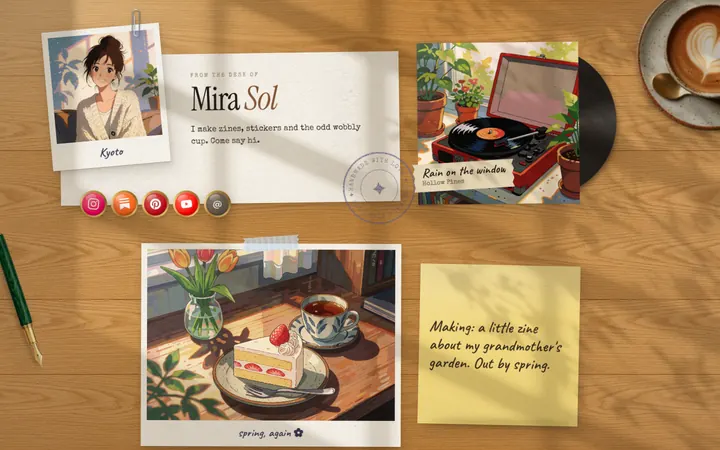
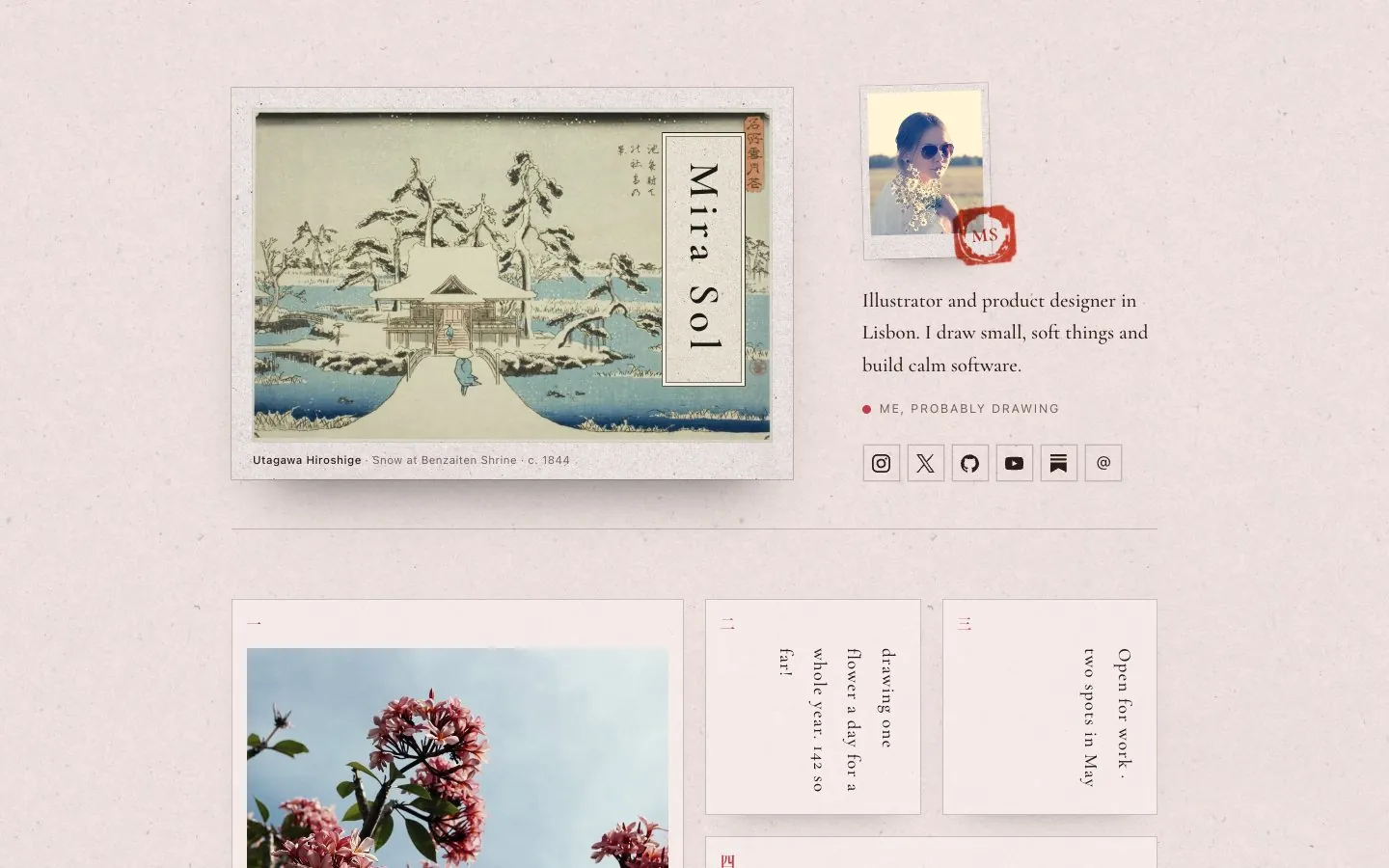
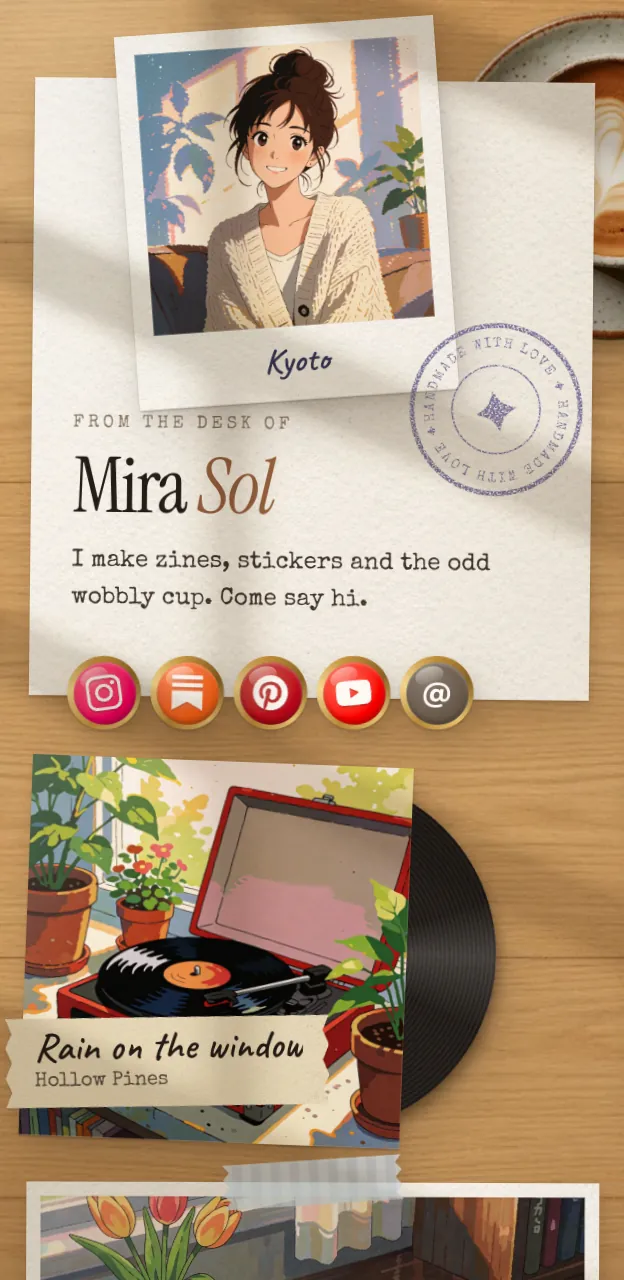
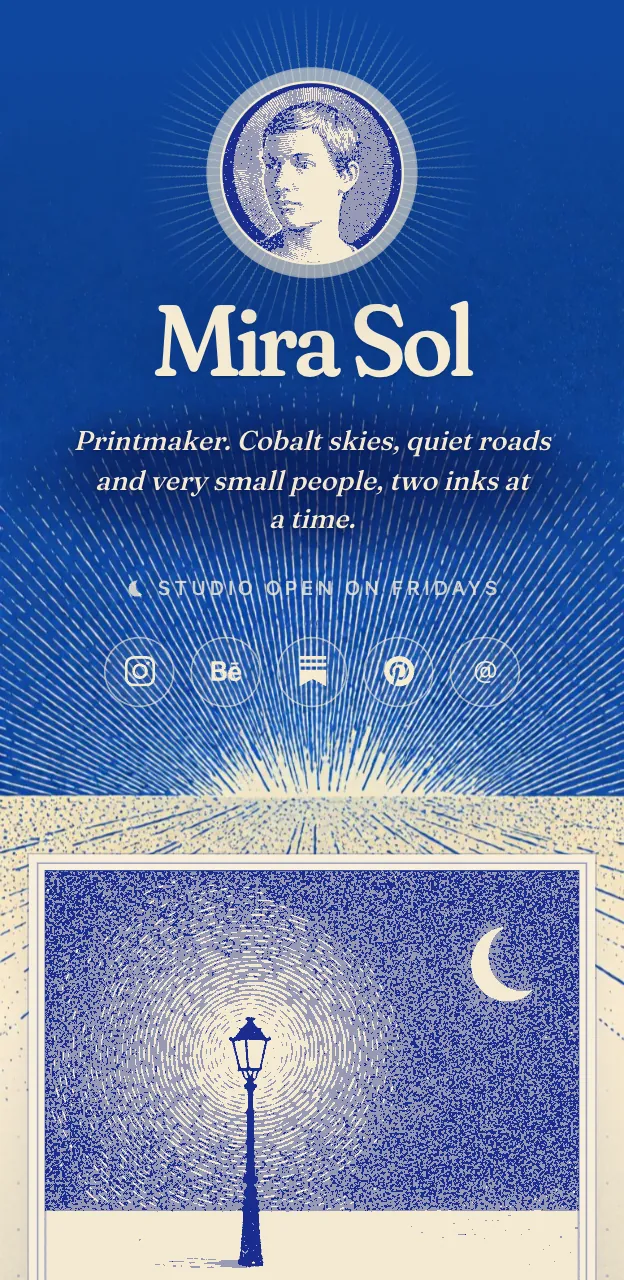
Washi is a Japanese gold-screen layout with vertical type and seal stamps. It suits ink, print and quiet illustration. Painted is a watercolour world that suits soft, colourful work. Desk, also free, turns images into polaroids on a wooden desk, which works well for sketchbook pages.
What works for artists specifically:
- Images are tiles. Upload a piece and it sits on the page at the size you pick, up to two by two.
- Notes for commissions. A note tile like "Open for work, two spots in May" sits next to the art.
- Photo styles. You can print photos as natural, mono, dither or ASCII to match the look.
- Your AI can keep it current. "Change my commissions note to closed" works over MCP. See this guide.
Limits: Washi is a Pro look ($5 a month or $48 a year), along with Cobalt, Night and a custom domain. Painted, Desk and Lofi are free. There is no shop or checkout; you link to yours.
#Carrd: build it yourself
Carrd makes one-page sites, and many illustrators use it for link pages. You get sections, galleries and full control of the layout. The free plan covers up to 3 sites with Carrd branding; Pro Lite removes branding for $9 a year, and Pro Standard at $19 a year adds a custom domain, according to Carrd's plan docs.
Pick it when you like arranging things and want a layout nobody else has. Skip it when you want to be done in five minutes. See Posy vs Carrd.
#A portfolio site
Cargo, Squarespace, Adobe Portfolio and similar builders give you a real gallery with many pages. If clients and art directors are your audience, you probably need one anyway.
Pick it when you have projects to explain, not just pieces to show. Skip it as your bio link if it loads slowly on a phone or buries the shop. Many artists use a portfolio site and a link page together, with the portfolio as one tile.
#Linktree
Linktree is the default for a reason: it is quick, familiar and has a large set of integrations. Free includes unlimited links and basic analytics.
The artist complaint: it is a list of buttons, and themes change the colours, not the shape. Your art sits in a thumbnail at best. Pick it when reach and business features matter more than the look.
#Beacons
Beacons is built for selling: a store for digital products, an email list and a media kit. Its free plan takes 9% of sales, and paid plans from $8.33 a month billed yearly drop that, per its pricing page.
Pick it when you sell brushes, PDFs or tutorials and want the store on the same page. Skip it when you already sell on Etsy or Shopify; then a store inside your bio page is a second shop to look after.
#Instagram's built-in links
Instagram lets you add up to 5 links to your bio for free. Only the first shows on your profile, with the rest behind a tap. It is fine if your shop, portfolio and Patreon are all you need. See how to add a link in your Instagram bio.
The limit: no images, no commissions note, and it does not exist outside Instagram.
#Tips that help whichever tool you pick
- Lead with your best two pieces, not your newest.
- Crop for a phone. Tall and square images read better than wide ones.
- Date your commissions note so old "open" notes do not mislead anyone.
- Keep to five to eight links. Each extra button makes the others weaker.
- Match the page to the work. See how to make an aesthetic link in bio for ideas.
#Where Posy is not the right pick
- You sell directly from your link page. Posy has no checkout. Beacons, or your own shop as the bio link, will serve you better.
- You need a multi-page portfolio. Posy is one page. Use a portfolio site and add it as a tile.
- You want a free custom domain or Washi for free. Both are Pro on posy.page. Self-hosting gives you every look for free, but you run the server.
#FAQ
#What is the best link in bio for artists?
One that shows your work first and suits your style. Posy and Carrd both let images lead; Posy draws the page for you, and Carrd lets you design it.
#Is there a free Linktree alternative for artists?
Yes. Posy's free plan includes the Painted, Desk and Lofi looks with unlimited images and links. Carrd's free plan covers up to 3 sites with branding.
#Should an artist use a portfolio site or a link in bio?
Often both. The portfolio holds projects and case studies; the link page is the quick front door from Instagram or TikTok.
#Can I show commissions as open or closed?
In Posy, add a note tile with the status and update it by hand or by asking your AI. In other tools, a text block or a link titled with the status does the same job.
#Which Posy look is best for illustrators?
Washi for ink and print, Painted for watercolour and soft colour, Desk for sketchbooks. You can try the looks before signing up, and switching never loses your tiles.