posy
posy


The best free link in bio for musicians is the one that puts your newest release first. If you run release campaigns with pre-saves, use Feature.fm's free plan. If you want an always-on page that looks like your music, use Posy or Linktree. Both are free, as of October 2026.
Most musicians need both jobs done at some point: a link for this month's single, and a home for everything else. This guide covers what a musician's page should hold, what each free plan really includes, and how to set one up before your next release. I make Posy, so I will say where it is the wrong pick. Other tools' details come from their own pricing pages, read on 17 October 2026.
#What a musician's page needs
Look at a dozen artist pages and the good ones agree on the order:
- The new release, at the top. One song or record, big, with the cover.
- Where to listen. Spotify first for most people, then Apple Music, Bandcamp or SoundCloud.
- One video. The music video or a live clip. One is plenty.
- Shows. Dates and cities with a ticket link, kept current.
- Merch. A link to your store.
- A way to reach you. An email for bookings and press.
Everything else (old releases, every social account) goes in small icons or comes off. A page with twenty buttons sends nobody anywhere.
#Two kinds of tool: smart links and link pages
Smart links are built for one release. A single address lists every streaming service, remembers which one a fan uses, and often collects pre-saves before release day. Feature.fm and Linkfire are in this group.
Link pages are built for you. One address stays in your Instagram and TikTok bio for years, and holds the current release, shows and merch. Linktree and Posy are in this group. Many artists use both: a smart link for the campaign, placed as the top tile of their link page.
#Free plans compared (October 2026)
| Tool | Kind | Free plan includes | First paid plan |
|---|---|---|---|
| Feature.fm | Smart links | Unlimited smart links and landing pages, pre-saves on 1 service, 7 days of stats | Basic Artist, $8 a month |
| Linkfire | Smart links | A free trial with no card, then a limited free account; its terms allow ads on free landing pages | Pro, $27 a month or $21 billed yearly |
| Linktree | Link page | Unlimited links, Linktree branding, 28 days of stats | Starter, $6 a month billed yearly |
| Posy | Link page | Unlimited links, three looks, 30 days of stats, a "Made with Posy" badge | Pro, $5 a month or $48 a year |
Sources: Feature.fm pricing, Linkfire pricing and terms, and Linktree's plans as covered in is Linktree free.
#Feature.fm: best for a release campaign
Feature.fm's free plan gives you unlimited smart links and landing pages and a bio link of its own. Its help center says a pre-save link converts to a released link automatically on release day, and pre-saves work on Spotify, Apple Music and Deezer. The free plan includes one pre-save service; Basic Artist, at $8 a month, raises that to three and keeps 28 days of stats instead of 7.
Use it when you have a date on the calendar and want fans to save the song before it is out.
#Linkfire: the label tool
Linkfire is what many labels use, and every plan includes bio, pre-release, release and podcast links. It starts with a free trial and no card. After that, Linkfire says your account reverts to a limited free one, and its terms allow ads on free landing pages. Pro is $27 a month, or $21 billed yearly.
Use it if a label or manager already works in it, or you want its streaming insights.
#Linktree: the default
Linktree's free plan has unlimited links, its branding and 28 days of stats. It is what most fans have seen before, and it works. The design is where it falls short for artists: themes change colours, fonts and backgrounds on the same column of buttons, so pages tend to look alike. Linktree themes goes into what you can and cannot change.
#Posy: a page that looks like your music
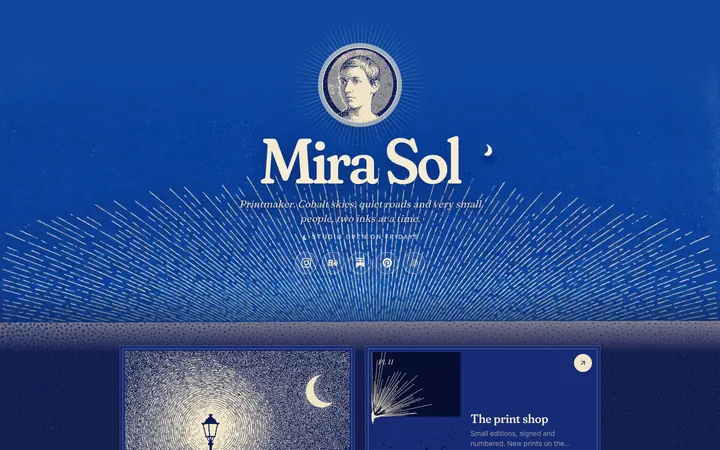
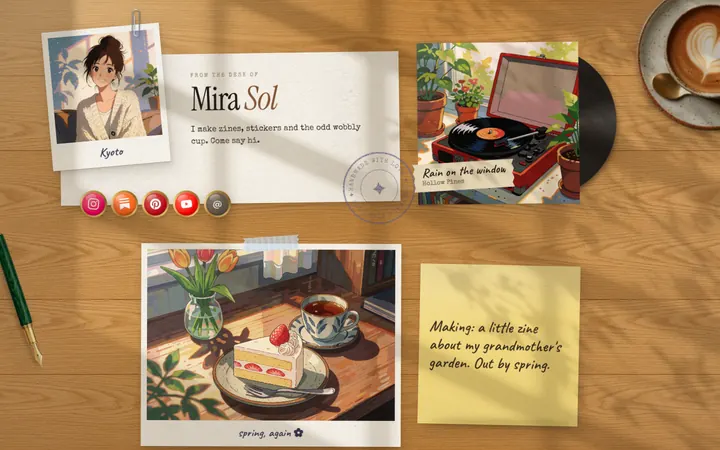
Posy is a free, open-source link in bio where each look is a drawn scene, not a theme. Paste a Spotify track, album or artist link and it becomes a music card with the cover art and title filled in from Spotify. On the Desk look that card is a record on a little player. YouTube links become video tiles that load only when someone presses play, so the page stays fast. SoundCloud, Instagram, TikTok, Twitch, Discord and Patreon are ready-made icons, and Bandcamp or Apple Music go in as ordinary link tiles.
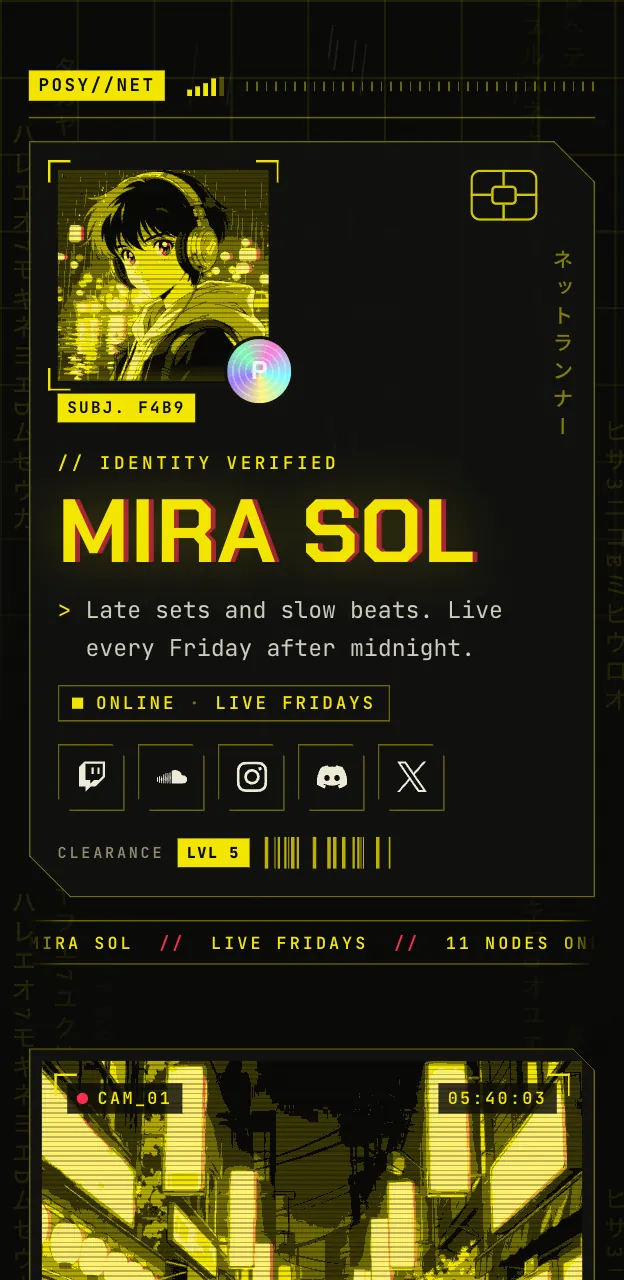
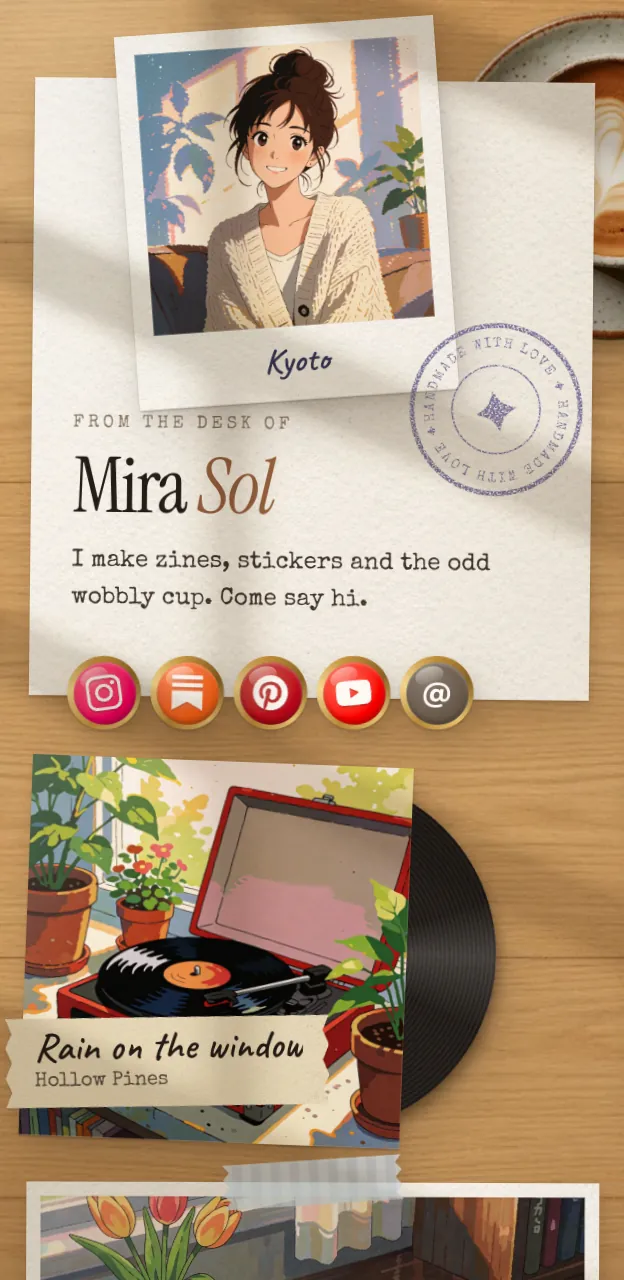
Three looks suit musicians best. Lofi (free) is a little desktop where every tile is a window, good for bedroom producers. Desk (free) is warmer: polaroids, sticky notes and that record player. Night (Pro) is a netrunner's screen in one signal colour, made for DJs and electronic acts. More on all three is on link in bio for musicians.
#Set it up before your next release
- Sign up and pick a username, ideally your artist name.
- Paste the new release first and make it the large tile. If you made a pre-save smart link, paste that instead and swap it for the Spotify link on release day.
- Add one video.
- Add a note tile for shows, like "Pune 2 Nov, Mumbai 9 Nov", with a link to tickets.
- Add your merch store and an email tile for bookings.
- Publish and put the one address everywhere: Instagram, TikTok, YouTube and your merch tags.
How to copy the right Spotify link, and where it goes on each app, is in how to put your Spotify link in your bio. For TikTok's 1,000-follower rule on bio links, see how to add a link in your TikTok bio.
#Where Posy is not the right pick
- You want pre-saves. Posy does not collect them. Use Feature.fm or Linkfire for the campaign and link to it from your page.
- You sell tickets or merch on the page. Posy has no checkout and takes no payments. Link to your store or ticketing page.
- You want fans to play the song without leaving the page. Posy's music card opens the track on Spotify. A smart link page with embedded players fits that job better.
#FAQ
#What is the best free link in bio for musicians?
For an always-on page, Posy or Linktree, both free as of October 2026. For a single release with pre-saves, Feature.fm's free plan.
#Should my link in bio go to Spotify or a link page?
If Spotify is all you have, link straight to your Spotify artist profile. Once you have shows, merch or a video too, a link page holds them all behind one address that never changes.
#Can I add Bandcamp and Apple Music to Posy?
Yes, as link tiles. Spotify links get the music card with cover art.
#Do I need a smart link and a link page?
Not always. Many artists keep one link page in their bio and put a smart link at the top during a campaign.
#Is Posy free for musicians?
Yes. The free plan has Painted, Desk and Lofi, unlimited links and 30 days of stats. Pro adds Night, Washi and Cobalt, a custom domain and no badge. Podcasters can see link in bio for podcasters, and the full list of guides by creator type is at link in bio for.