posy
posy

The best free AI personal website builder depends on how big the site is. As of October 2026, Wix and Framer let you build and publish with AI for free on their own address, Durable's free plan is a preview, and Squarespace has only a 14-day trial. For a one-page personal site, any chatbot plus Posy is free.
That one sentence hides most of what matters, so this guide goes through each builder: what its AI actually does, what the free plan lets you publish, and what the first paid plan costs. Prices are in US dollars from each company's pricing page, read on 17 October 2026, before tax. I make Posy, so I will say where it is the wrong pick.
#First, decide what "personal website" means for you
Three very different things go by that name:
- A link in bio or home page. One page: who you are, a few links, maybe a video or a song. Most people mean this.
- A portfolio. Several pages, a gallery, a contact form.
- A small business site. Bookings, a shop, a blog, search ranking.
AI website builders are mostly built for the second and third. If you want the first, a full site builder is more tool, and more monthly bill, than you need.
#The builders compared (October 2026)
| Builder | What the AI does | Free plan | Cheapest plan with your own domain |
|---|---|---|---|
| Wix | Generates a whole site from a chat, then you edit | Yes: a wixsite.com address, Wix ads and branding | Light: $17 a month billed yearly, $24 monthly |
| Framer | Generates pages and layouts on a design canvas | Yes: a Framer address and badge, 500 AI credits to try | Basic: $10 a month billed yearly, $15 monthly |
| Durable | Generates a business site in seconds, plus business tools | A preview on durable.site, 300 AI credits in total | Launch: $22 a month billed yearly, $25 monthly |
| Squarespace | Its AI builder drafts a site from your answers | No: a 14-day trial, and a paid plan to publish | Basic: $19 a month billed yearly, $25 monthly |
| Posy | Any chatbot writes the page as a link, or edits it over MCP | Yes: three looks, unlimited links, 30 days of stats | Pro: $5 a month, or $48 a year |
Sources: Wix plans and Wix's free plan post, Framer pricing, Durable pricing, Squarespace pricing and its AI builder FAQ.
#Wix: the most complete free plan
Wix's AI builder asks about you and builds a full site you can then edit by hand. You can publish on the free plan, with three marks of being free: a yourname.wixsite.com address, Wix branding, and Wix ads. Light, at $17 a month on yearly billing, connects your domain and removes the ads. Light cannot take payments; Wix's cheapest plan for selling is Core, at $29 a month yearly.
Pick it if you want a real multi-page site and are happy to grow into a paid plan.
#Framer: for people who care about layout
Framer is a design tool first, and its AI generates pages you then shape on a canvas. The free plan publishes on a Framer address with a Framer badge, and Framer itself calls it ideal for non-commercial use. Basic, at $10 a month on yearly billing, adds your own domain and removes the badge.
Pick it if you are a designer, or want your portfolio to look designed rather than assembled.
#Durable: fast, but the free plan is a trial
Durable builds a business site with a logo and copy in seconds, and comes with a CRM and booking tools. The free plan is a preview on durable.site with 300 AI credits in total, not per month. Your own domain starts at Launch, $22 a month on yearly billing.
Pick it if you are a sole trader who wants a business site today and will pay for it.
#Squarespace: polished, never free
Squarespace's AI website builder drafts a site from a few questions and you refine it in Squarespace's editor. There is no free plan: every site starts with a 14-day trial, and Squarespace's own FAQ says you need a paid plan to publish. Basic is $19 a month on yearly billing.
Pick it if you want templates that look expensive and you have the budget.
#Posy: one page, any AI
Posy works the other way round. Instead of an AI inside a builder, you use the AI you already have (ChatGPT, Claude, Gemini, anything that writes text) and Posy draws the page.
- Ask your chatbot for a Posy link. It writes something like
https://posy.page/new?name=Mira%20Sol&bio=Printmaker&links=instagram.com/mira,mira@example.com&look=lofi. - Open it. You see a live preview with no login.
- Keep it with one button, pick a username, and you are live.
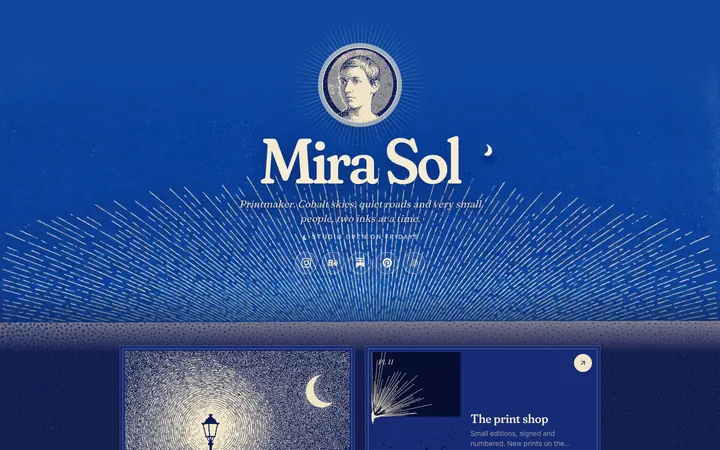
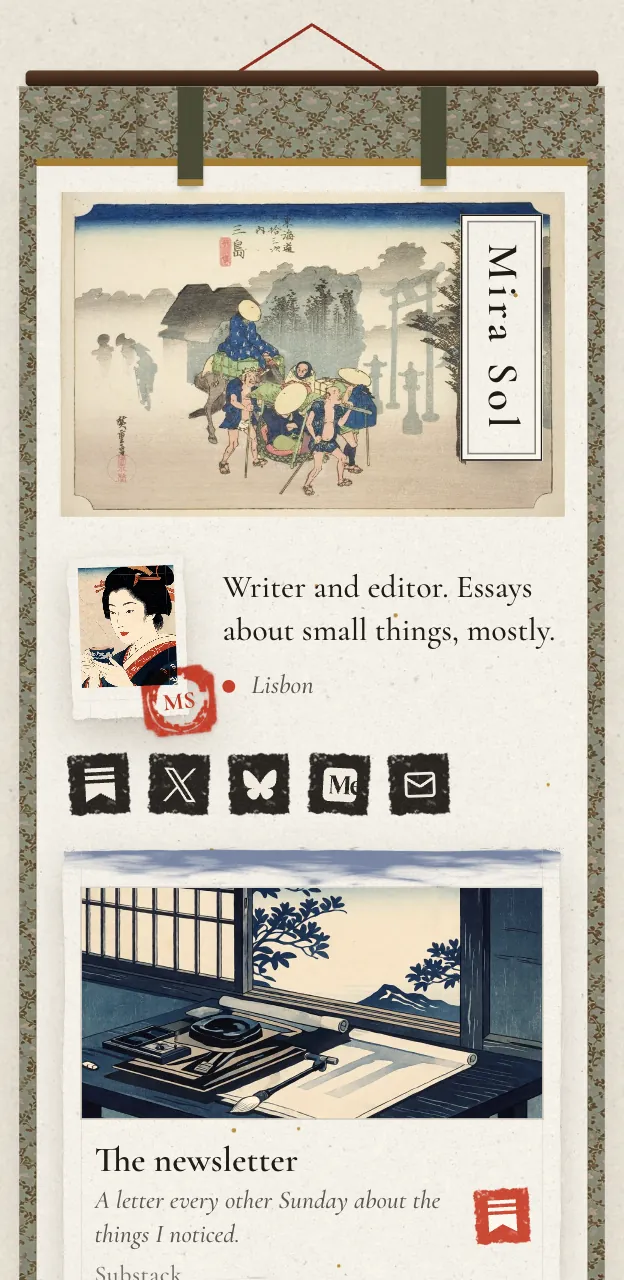
Each link becomes the right tile: a YouTube video, a Spotify music card, an icon for any of 29 social platforms, or a GitHub repo with live stars. You pick one of six looks rather than a template, and they are drawn, not themed: polaroids on a desk, a woodblock print, a lofi desktop.

For ongoing edits, connect your AI app to Posy's MCP server at https://posy.page/api/mcp and say what you want changed. Everything lands in your draft until you publish. The setup for each app is in let your AI build your link in bio.
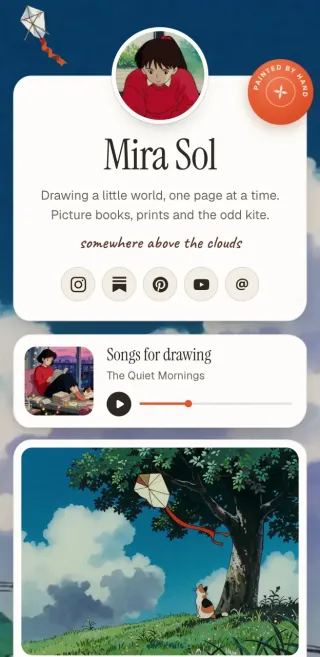




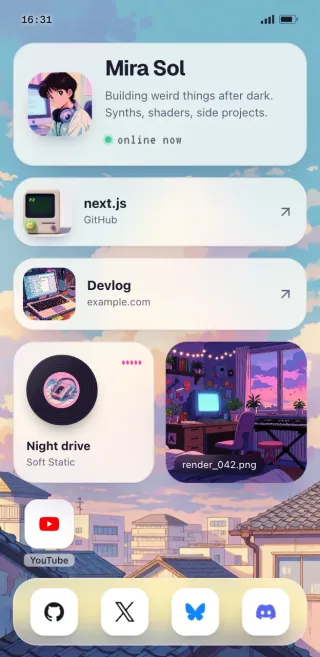
The free plan has Painted, Desk and Lofi, unlimited links, 30 days of stats and a "Made with Posy" badge. Pro, $5 a month or $48 a year, adds a custom domain, Washi, Cobalt and Night, no badge, and a year of stats with CSV export. It is hosted in Mumbai, and you can also self-host it for free: it is MIT-licensed and ships as a Docker image. Full details are on pricing.
#How to choose in one minute
- One page with your links: Posy, or a chatbot and a free static host.
- A designed portfolio: Framer.
- A full site you will grow: Wix.
- A business site with bookings, today: Durable or Wix Core.
- The polished template look, with budget: Squarespace.
If you would rather have the AI write code you own, can Claude make a website and can ChatGPT make a website cover that route. To let an AI edit a site on any of these platforms, see an MCP server to edit your personal website.
#Where Posy is not the right pick
- You need several pages, a blog or a contact form. Posy is one page. Use Wix, Framer or Squarespace.
- You sell or take bookings. Posy has no checkout and takes no payments. Link out to your shop, or pick a builder with commerce.
- You want to drag every element to an exact spot. Posy's looks do the design for you. Framer gives you the canvas.
#FAQ
#Is there a completely free AI website builder?
Wix and Framer let you build with AI and publish for free on their own address, as of October 2026. Posy is free for a one-page site, and the AI part works with any chatbot you already use.
#Can I use my own domain for free?
Not on Wix, Framer, Durable or Squarespace, where a custom domain starts on a paid plan. On Posy it is part of Pro. Self-hosting Posy on your own domain is free.
#Which AI website builder is cheapest with a custom domain?
Of the ones here, Posy Pro at $5 a month, then Framer Basic at $10 a month billed yearly.
#Do AI website builders write good copy?
They write a usable first draft. Rewrite your bio and headlines in your own words; it is the part visitors read.
#Can I move my site later?
Builders store your site in their own format, so moving means rebuilding. A Posy page is one JSON file you can download and import elsewhere, including your own server.
For more on using AI with Posy, see AI link in bio.