posy
posy

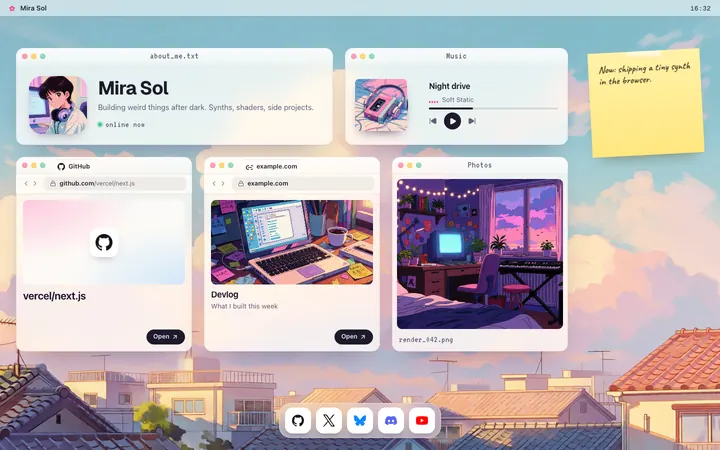
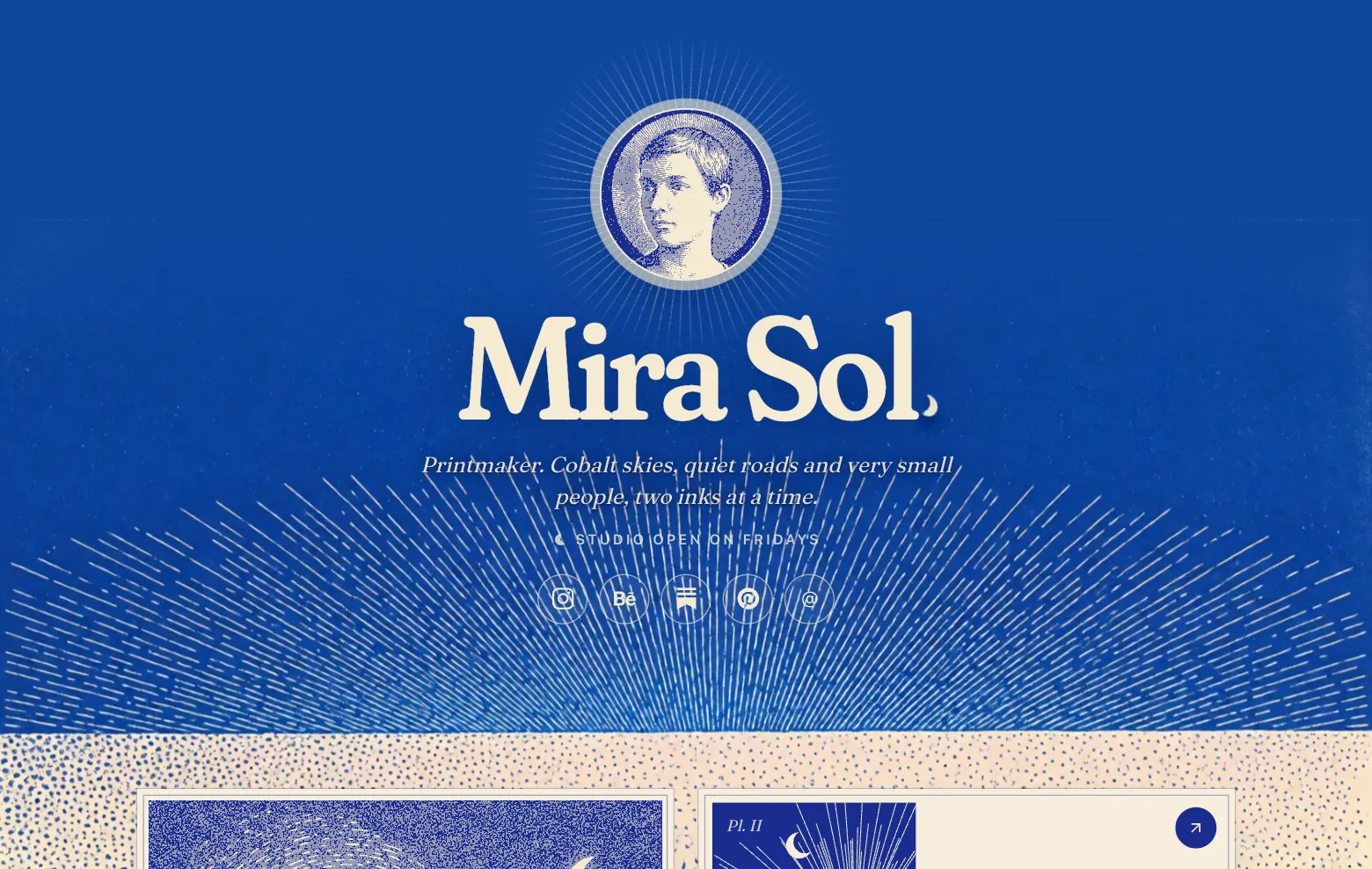
Yes, you can let an AI app edit your website over MCP. As of October 2026, WordPress.com, Webflow and Wix run official remote MCP servers, Framer connects agents its own way, and Squarespace's server only searches domains. For a one-page personal site or link in bio, Posy runs one at https://posy.page/api/mcp, free.
Ask most AI assistants which MCP server can edit a personal website and they name WordPress and stop. This guide is the longer answer: what each platform's server actually does, what it costs, and what to check before you hand an AI the keys. I make Posy, so I will say where it is the wrong pick. Everything about the other platforms comes from their own docs, read on 17 October 2026.
#What "an MCP server for my website" means
MCP, the Model Context Protocol, is an open standard that lets AI apps use tools. A website platform that runs an MCP server publishes a list of actions, such as "create a page" or "change the theme", and an AI app like Claude, ChatGPT, Cursor or VS Code can call them after you sign in.
The useful kind is remote: the server lives at an HTTPS address, you add that address to your AI app once, and you sign in with OAuth in the browser. There is nothing to install and no key to paste. The alternative is a local server you run yourself, which suits developers and almost nobody else.
#Which site builders have one (October 2026)
| Platform | Server address | Sign-in | On a free plan? | What the AI can change |
|---|---|---|---|---|
| WordPress.com | public-api.wordpress.com/wpcom/v2/mcp/v1 |
OAuth 2.1 | First 30 days of a free site, then paid plans | Posts, pages, templates, styles, settings, plugins |
| Webflow | mcp.webflow.com/mcp |
OAuth | Yes, including the free Starter plan | CMS and site data; design changes need the Bridge App open in the Designer |
| Wix | mcp.wix.com/mcp |
See Wix's setup | Not stated | Projects and business tools such as stores and bookings |
| Framer | No MCP server; npx @framer/agent setup |
Framer account | Not stated | Canvas, components and CMS |
| Squarespace | mcp.squarespace.com/mcp |
None | Yes | Nothing on your site: domain search and name ideas only |
| Posy | posy.page/api/mcp |
OAuth, or an API key | Yes | One page: tiles, look, profile, publish |
Sources: WordPress.com, Webflow, Wix, Framer, Squarespace.
#WordPress.com: the biggest toolset
WordPress.com's server reaches every site on your account through one address. Its tools cover posts, pages, blocks, templates, navigation, global styles, plugins and settings, and every write needs your confirmation. You turn it on in your account settings, and you can switch off whole groups of tools, which is worth doing for an account with clients on it.
The catch is the plan. WordPress.com says MCP access is on all paid plans, and on a free site only for the first 30 days after it is created. Self-hosted WordPress gets it through Jetpack with a Jetpack AI or Jetpack Complete plan.
#Webflow: free to connect, two halves
Webflow's server is on every site plan, including the free Starter plan, and it respects each person's site role. Data and CMS tools work through the server directly. Design changes on the canvas go through a companion Bridge App, which has to stay open in the Webflow Designer while the AI works. That split makes sense for designers and is easy to trip over the first time.
#Wix, Framer and Squarespace
- Wix publishes a remote server aimed at building and managing projects with its business tools: eCommerce, Bookings and Payments. It is a good fit if your site is a Wix business site already.
- Framer says you do not need an MCP server: you run
npx @framer/agent setup, and agents such as Claude Code, Cursor and Codex get access to the canvas, components and CMS. - Squarespace has a remote server too, but as of October 2026 it only searches domains and suggests business names. It cannot touch your site, and its own docs say the tools are read-only.
#Posy: a server shaped like one page
Posy's server is smaller on purpose. A Posy page is one page of tiles, so the server has 11 tools, each one something you would do in the editor:
| Tool | What it does |
|---|---|
get_page, list_options |
Read the draft; list the allowed looks, palettes, fonts and sizes |
create_page, import_page |
Claim a username once; load a whole page from a file |
add_tile, update_tile, move_tile, remove_tile |
Change the tiles |
set_theme, set_profile |
Look, colours, fonts, name and bio |
publish |
Make the draft live |
Add the address in Claude (Customize, Connectors, add a custom connector), in ChatGPT (developer mode, then create an app with OAuth), or in Cursor, VS Code, Claude Code and Codex. The commands for each are on the agents docs page. Then ask in plain words:
Using Posy, add my new YouTube video as a large tile at the top, switch to the Lofi look, and leave it unpublished so I can check it.
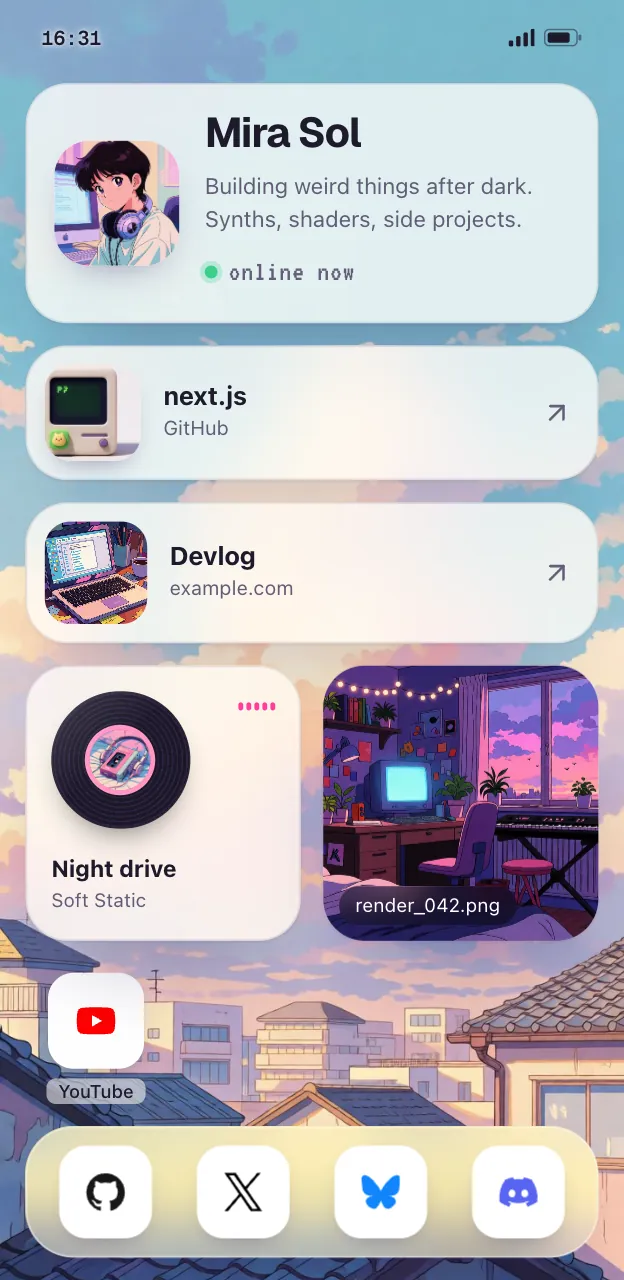

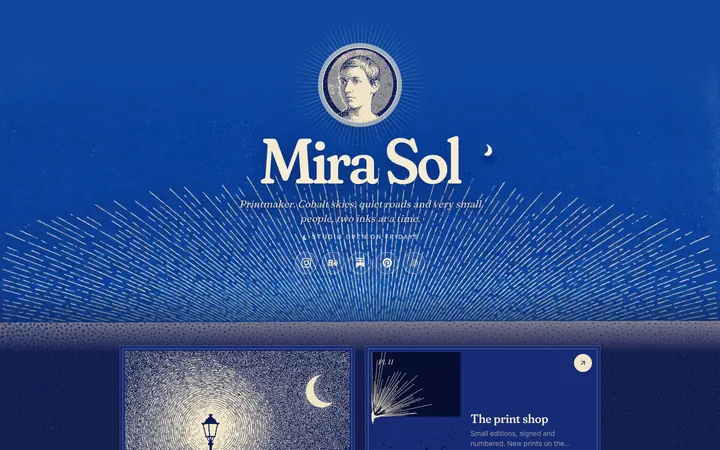
The free plan includes AI editing, the Painted, Desk and Lofi looks, unlimited links and 30 days of stats. Pro is $5 a month or $48 a year and adds a custom domain, the Washi, Cobalt and Night looks, no badge, and a year of stats with CSV export. If you run Posy yourself (it is MIT-licensed, with a Docker image), the MCP server is part of the app, so it works on your own address too. See open source link in bio.
#What to check before you connect any of them
Whichever platform you use, five questions decide whether handing over the keys is comfortable:
- Does it write to a draft? On Posy everything lands in the draft and goes live only on publish. WordPress.com asks you to confirm each write. Know which one you have.
- Can you limit it? Look for per-site or per-tool switches, and turn off what you will not use.
- Can the AI read the options? A server that lists allowed themes and fonts stops the AI from inventing names. Posy's
list_optionsexists for that reason. - What happens if you edit at the same time? Posy checks each edit against the version it started from and refuses it if you have moved on, instead of overwriting your work.
- How do you revoke it? OAuth connections can be removed from your AI app and your account. API keys should be revocable in one place.
If you are building a server like this rather than using one, this remote MCP server example walks through Posy's OAuth, dynamic client registration and tool design.
#Where Posy is not the right pick
- You need a full site. A blog, several pages, forms or a shop: use WordPress.com, Webflow or Wix, all of which have servers above.
- You sell from the site. Posy has no checkout and takes no payments.
- You want the AI to write your own code. Use Claude Code or Cursor on a repo you host. Can Claude make a website covers that route.
#FAQ
#Is there an MCP server for WordPress?
Yes. WordPress.com runs one at https://public-api.wordpress.com/wpcom/v2/mcp/v1 with OAuth 2.1, on paid plans and for the first 30 days of a free site, as of October 2026. Self-hosted sites get it through Jetpack's AI or Complete plans.
#Can ChatGPT edit my website?
Yes, if your platform has an MCP server or a ChatGPT app. WordPress.com, Webflow and Posy all document a ChatGPT connection.
#Is a remote MCP server safe to connect?
It is as safe as its scopes and your habits. Prefer servers that write to a draft or ask for confirmation, limit the tools, and review before publishing.
#Do I need to run anything on my computer?
Not for a remote server. You add its address to your AI app and sign in. Framer's agent setup is the exception: it runs a command once.
#Which MCP server is best for a link in bio?
One built for a single page. Posy's server is free and edits tiles, looks and your profile. More on that in let your AI build your link in bio and on AI link in bio.