posy
posy

To change your Linktree theme, open the Design editor from the Links or My Linktree tab, go to Themes, click through the curated themes and press Save. Themes marked with a lightning bolt are on Pro and Premium. For more control, pick a Customizable theme and change the text, colours, buttons, header and wallpaper yourself.
That is the how. The reason people search "linktree themes" over and over is different: they changed the theme and their page still looks like a Linktree. This post covers what each plan lets you change, why the result looks familiar anyway, and what to do if you want a page that does not. The steps follow Linktree's help article Choose a theme for your Linktree (dated 12 March 2026) and its design help pages, read on 17 October 2026.
#Pick a curated theme
- In Linktree Admin, open the Design editor. You will find it in the Links or My Linktree tab.
- Go to the Themes section.
- Click through the curated themes. On desktop the preview is on the right; on your phone it sits above the theme menu.
- Click Save.
Linktree notes that you can only edit the wallpaper after you have selected a curated theme, so pick one first even if you plan to change it.
#Make a customizable theme
- In the Design editor, go to Theme and choose a Customizable theme as the base.
- Change the Text (font and colour), Colors, Buttons, Header and Wallpaper.
- Click Save.
Linktree's design help also covers your title, bio, profile image, social icons and the sharing preview people see when your link is posted. There is an Enhance feature too, which Linktree describes as a way to instantly restyle your page.
#What each plan lets you change (October 2026)
| Design option | Free | Paid |
|---|---|---|
| Curated themes | Yes, except those with a lightning bolt | Lightning bolt themes on Pro and Premium |
| Customizable theme (text, colours, buttons, header) | Not marked as paid in the help article | Yes |
| Background colour | Yes | Yes |
| Your own image or video background | No | Pro and Premium |
| Grid and Carousel link collections | No, listed as paid features | Paid plans |
| "Custom designs" | No | Pro and up, per the pricing page |
| Hide the Linktree logo | No | Pro and up |
Pro is $12 a month billed yearly, or $15 monthly, in the US. Whether that is worth it for design alone is its own question; I worked through it in is Linktree Pro worth it.
#Why Linktree themes all look alike
Every theme changes the paint, not the shape. Under any theme a Linktree is the same thing: a round photo, a name, a line of bio, and a column of buttons the same width, one after another. Colours, fonts, button corners and the wallpaper move. The structure does not. That is why you can recognise a Linktree across the room in any theme.
That is not a flaw, exactly. A column of buttons is fast to scan and works on every phone. But it means the theme picker has a ceiling, and most people hit it within ten minutes.
#How to get the most out of a theme
If you are staying on Linktree, these make the biggest difference:
- One palette, two colours. Pick a background and one accent and use nothing else. Take colours from your own photos or brand so the page matches where people came from.
- Your own wallpaper, if you pay. It is the single biggest change on Pro. Linktree recommends a 1920×1920 square image; more in Linktree background size.
- Contrast before style. Linktree's own tip after changing a background is to update button and font colours so links stay easy to read.
- Fewer buttons. Five clear links look designed. Fifteen look like a list, whatever the theme.
- A good profile photo. It sits at the top of every theme and does more for the look than most settings.
#Linktree templates and Canva
"Linktree templates" usually means one of two things. Linktree has its own templates gallery, linked from its site menu. And many people design a background in Canva; Linktree's background screen has a Design with Canva option built in, on the plans that allow image backgrounds. Either way you still end up with the same column of buttons on top.
#Options that go further than a theme
If the column is the problem, a theme will not fix it. The options:
- Carrd lets you build a one-page site from sections, so the layout is yours. It takes longer. See Linktree vs Carrd.
- Grid builders arrange links as cards of different sizes, the way Bento did before it closed. See Bento alternatives.
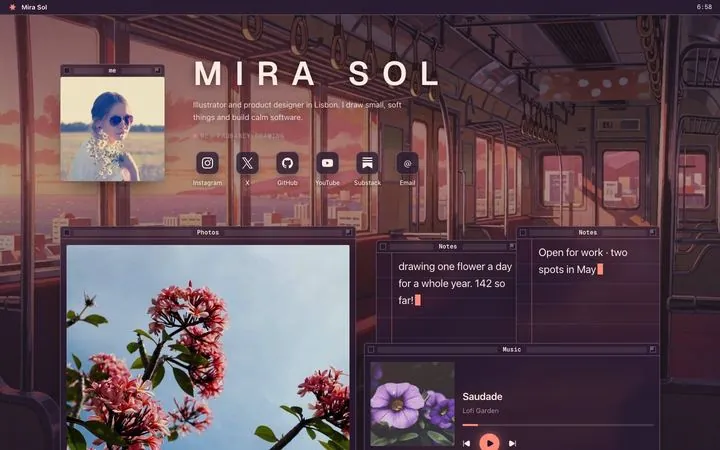
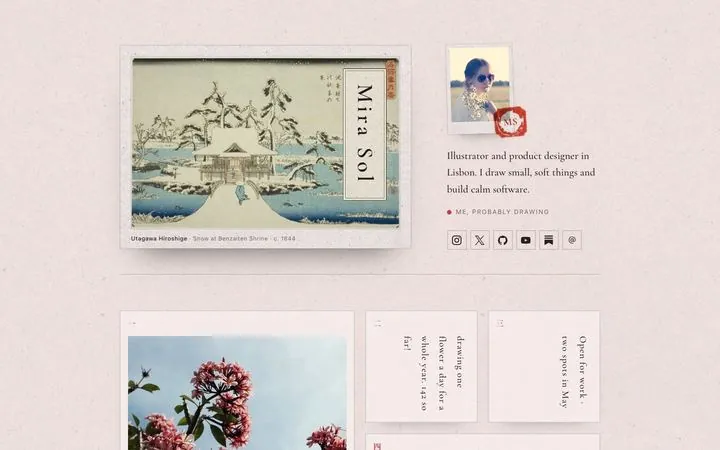
- Posy replaces the theme with a scene. Your links become objects in it: polaroids and sticky notes on a desk, plates in a two-ink print, windows on a lofi desktop, cards under a painted sky. Each look comes in four palettes. Three looks are free; the other three and your own domain are Pro, $5 a month. (I make Posy, so take this paragraph as the maker's description.)
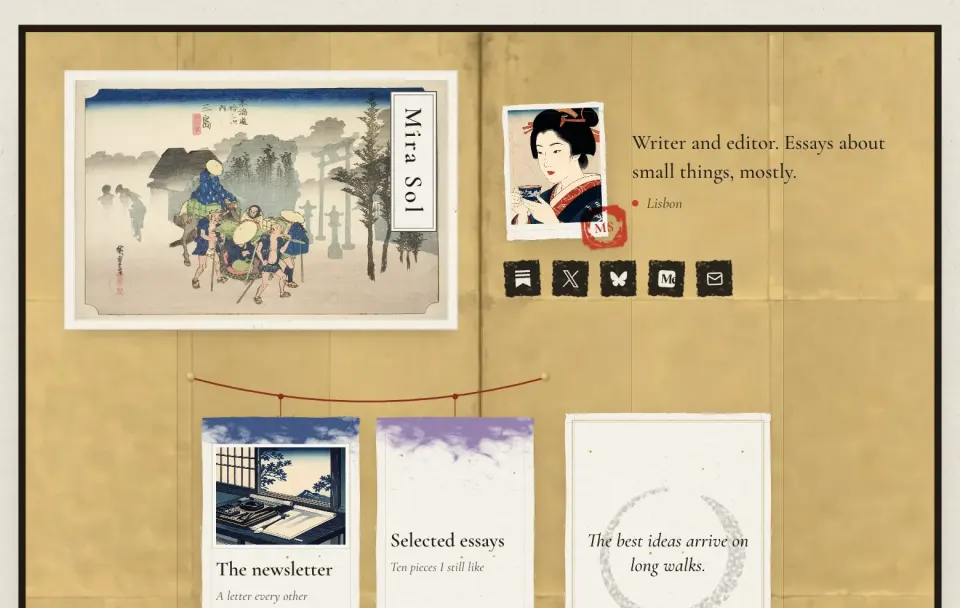
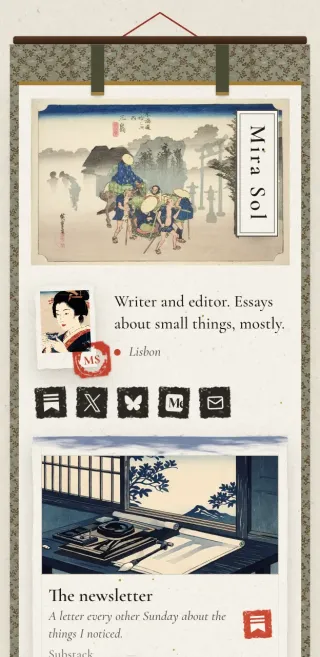
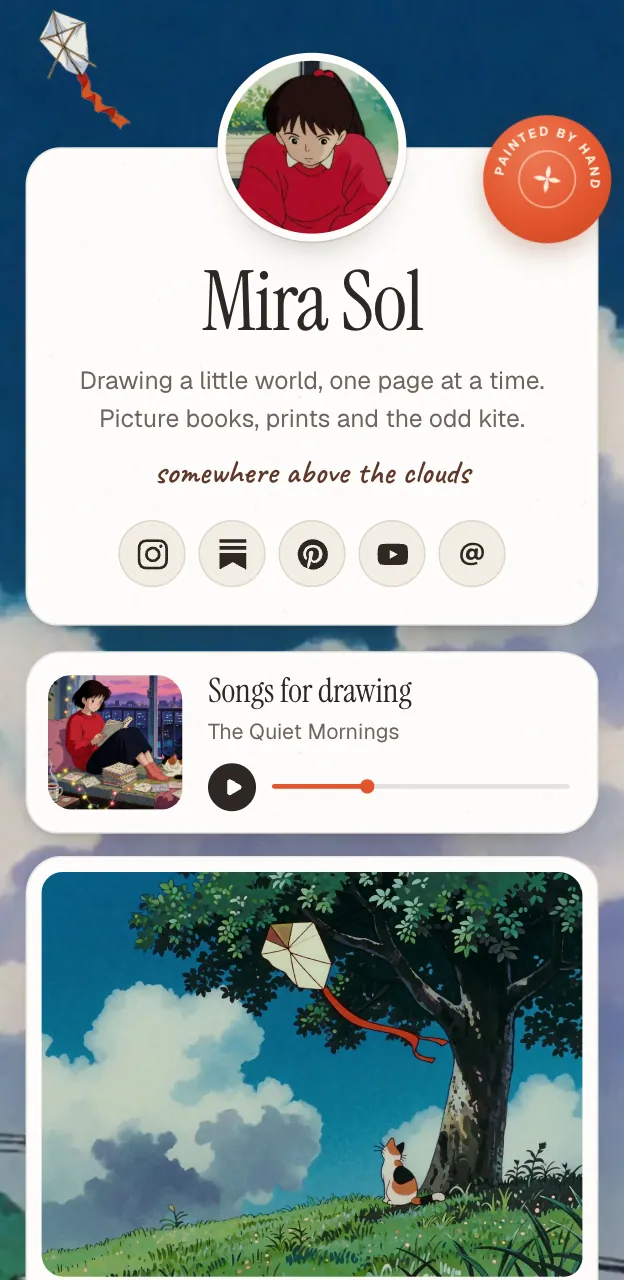
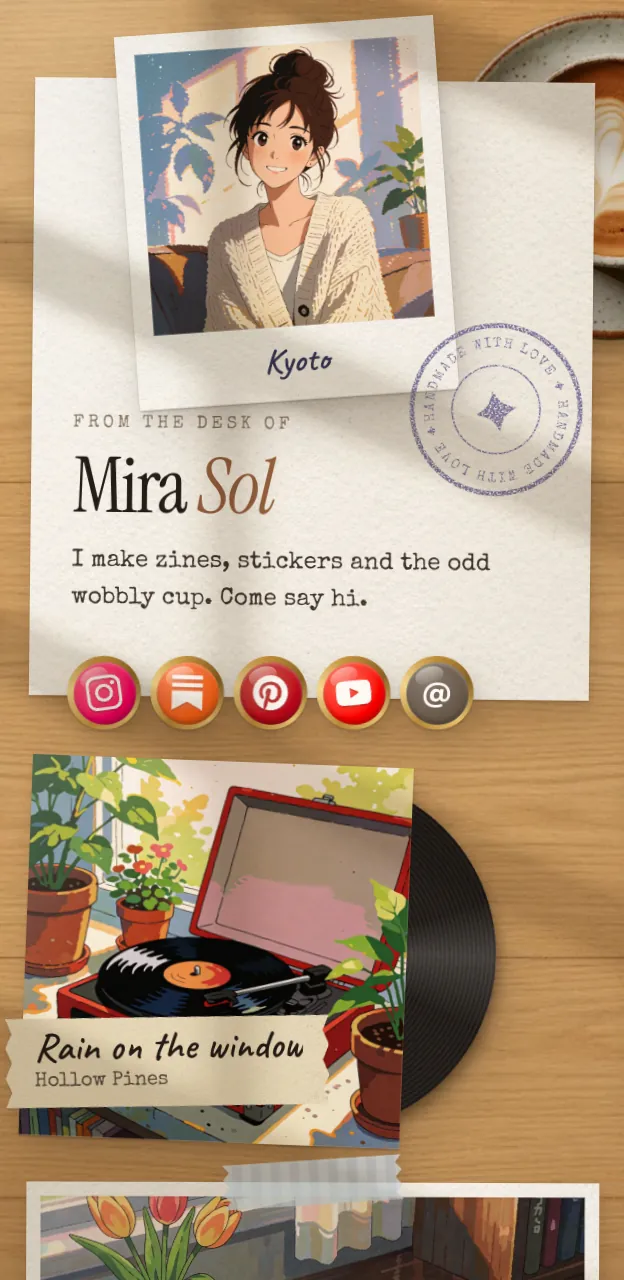
More on picking colours, fonts and photos that agree with each other is in how to make an aesthetic link in bio, and every look is on the looks page.
#Where Posy is not the right pick
- You want a plain, fast list. A Linktree in a simple theme is exactly that. Posy is for people who want the page to have a look.
- You want to design every pixel. Posy's looks are designed scenes with palettes, not a blank canvas. Carrd gives you more control.
- You sell from the page. Posy has no checkout; Linktree does on every plan, at a fee.
#FAQ
#How do I change my Linktree theme?
Open the Design editor from the Links or My Linktree tab, go to Themes, choose a curated theme, and click Save.
#Are Linktree themes free?
Many are. Themes with a lightning bolt are on Pro and Premium, according to Linktree's help center in October 2026.
#Can I make a custom Linktree theme?
Yes. Choose a Customizable theme in the Design editor and change the text, colours, buttons, header and wallpaper. Your own image or video background needs Pro or Premium.
#Can I use a custom background on Linktree Free?
You can choose a background colour on Free. Uploading an image or video background is on Pro and Premium.
#Why does my Linktree still look like everyone else's?
Themes change colours, fonts, buttons and wallpaper, but every Linktree keeps the same layout: a photo, a bio and a column of buttons.