posy
posy

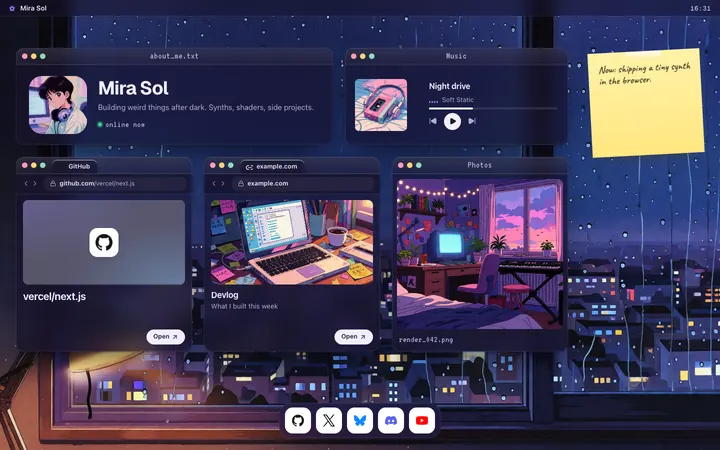
A podcast link in bio should send people to one page that lists every app, puts your latest episode first and shows how to support the show. The free way, as of October 2026, is a universal link from Podlink for the apps, placed on a link page with the episode, YouTube and Patreon.
The hard part of a podcast bio is that your listeners are split: some on Spotify, some on Apple Podcasts, some on YouTube, and a few on apps you have never opened. One bio link has to serve all of them. This guide covers what to put on the page, how to copy each link, and a quick setup. I make Posy, so I will say where it is the wrong pick. Spotify's steps come from its Spotify for Creators help, read on 17 October 2026.
#What a podcast page needs
In order of what people tap:
- The latest episode. Big, with the episode art. New listeners start with what is newest.
- Listen everywhere. Spotify, Apple Podcasts, YouTube, and a universal link for the rest.
- The video version, if you film it.
- Support. Patreon, Ko-fi or Buy Me a Coffee, and your sponsor page if you have one.
- Community. Discord, a newsletter, or a listener email for questions.
- Be a guest. A short form or email for guest pitches, if you take them.
Leave out the archive. Your podcast app already has every episode; the page only needs the newest one and the way in.
#Copy the right links
Spotify. Spotify for Podcasters became Spotify for Creators in November 2024. To copy a show link, in the Spotify desktop app or on open.spotify.com, click the three dots next to the show, then Share, then Copy Show Link. For an episode, the same menu has Copy Episode Link. In the Spotify phone app, tap the three dots, then Share. Spotify notes you can only share published episodes.
Apple Podcasts. In the Apple Podcasts app, open your show, tap the three dots and choose Copy Link. In Apple Podcasts Connect, the same address is under Show Information as the Apple Podcasts URL.
YouTube. If your show is on YouTube, copy the playlist or channel link. For a single episode, copy the video link.
Everyone else. Use a universal link, below.
#Podlink: a free link for every app
Podlink makes a universal link for a podcast with no signup. You search for your show, and it gives you one address that lists the major apps. Its blog says listeners can set their favourite app once, and later visits send them straight there. It is free.
Two limits, from Podlink's own post about its new platform: claiming a show, setting a new vanity URL, custom colours and show analytics are not available right now. So it is a great "listen anywhere" button and a weak home page.
#Where each link goes (October 2026)
| Link | Where it sends people | Best place for it |
|---|---|---|
| Spotify show link | Your show on Spotify | Your page, as a large tile |
| Spotify episode link | One published episode | Your page, top tile, swapped weekly |
| Apple Podcasts URL | Your show in Apple Podcasts | Your page, next to Spotify |
| Podlink universal link | A chooser for every app | Your page, as "Other apps" |
| YouTube video or playlist | The video version | Your page, as a video tile |
| Spotify for Creators availability links | Other apps, from your Spotify for Creators public page | Set once under Settings, then Availability |
| Your link page | Everything above | Your Instagram, TikTok, X and YouTube bio |
Spotify's help says you add other platforms to your Spotify for Creators public page under Settings, then Availability, by pasting each URL and clicking Add to profile.
#Make the page in five minutes
Here is the route with Posy, which is free and open source.
- Sign up and pick a username, ideally your show's name.
- Paste your newest Spotify episode link. Posy turns any Spotify link into a music card with the art and title filled in from Spotify. Make it the large tile.
- Paste your Spotify show link, Apple Podcasts URL and Podlink link. Add a heading tile above them that says "Listen".
- If you film the show, paste one YouTube video. It becomes a video tile that loads only when someone presses play.
- Add Patreon, Ko-fi or Discord. Posy has icons for 29 platforms, so each one becomes a small tile.
- Add a note tile: "New episode every Tuesday."
- Publish and put the address in every bio.
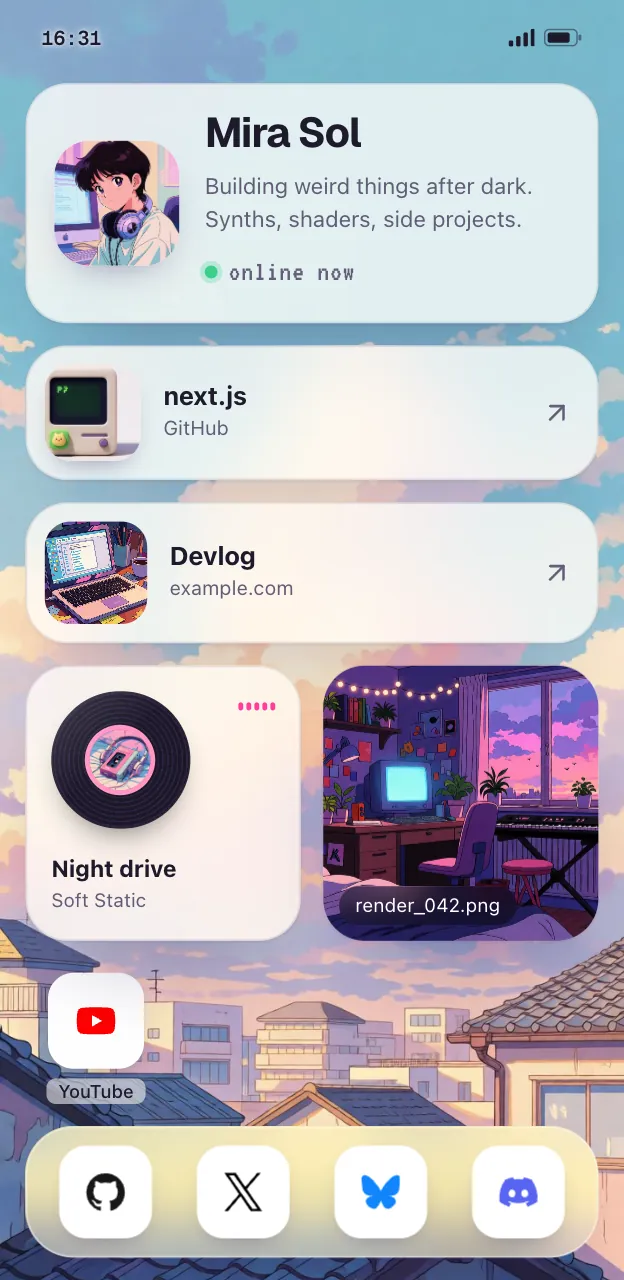
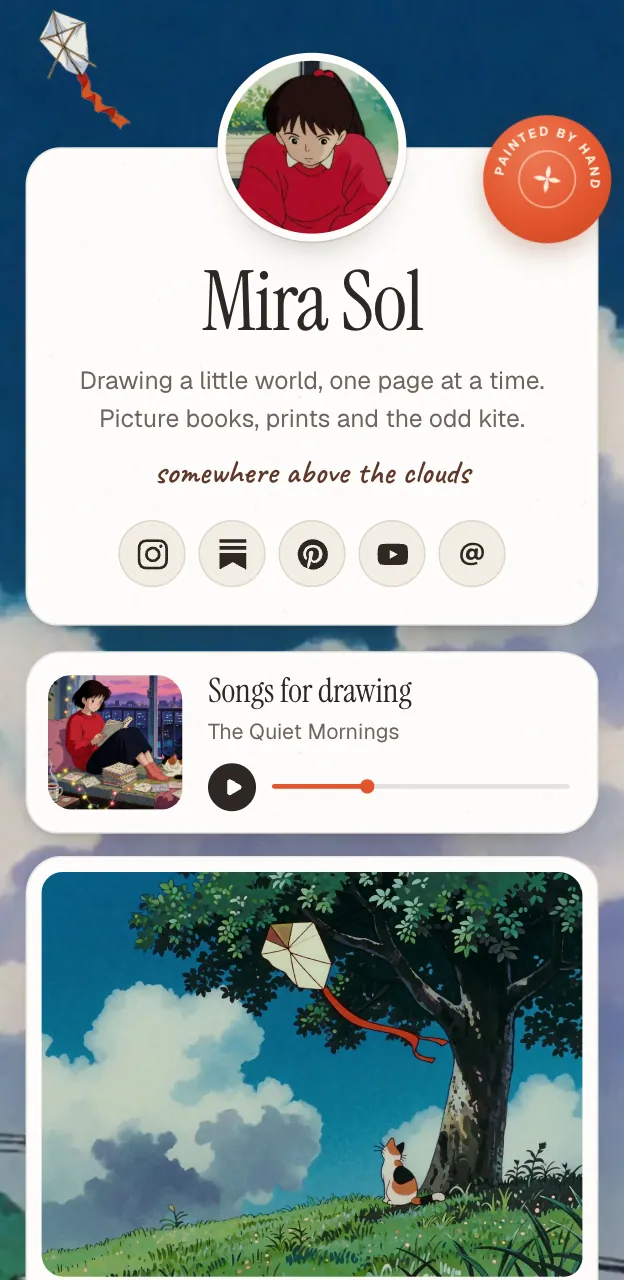
Each week, swap the episode tile and nothing else. If you would rather not open an editor, connect Claude or ChatGPT to Posy's MCP server and say "replace the top tile with this episode and publish". The setup is in let your AI build your link in bio.
#Putting the link on each platform
- Instagram allows up to 5 bio links, and only the first shows before a tap. Put your page first. Steps are in how to add a link in your Instagram bio.
- YouTube lets you add links to your channel. See how to add links to your YouTube channel.
- TikTok needs 1,000 followers or a verified business account for a website link in the bio.
If your show is music-heavy, the best free link in bio for musicians covers smart links and pre-saves, and how to put your Spotify link in your bio goes deeper on Spotify links.
#Where Posy is not the right pick
- You want per-episode analytics by app. Posy's stats count visits and clicks on your page, not plays. Your podcast host and tools like Linkfire, which offers podcast links on every plan, go deeper.
- You want listeners to play episodes on the page. Posy's music card opens the episode on Spotify. Podlink's page and your host's website have players.
- You sell memberships or ads from the page. Posy takes no payments. Link to Patreon or your sponsor page.
#FAQ
#What is the best link in bio for a podcast?
A link page that puts your newest episode first, with Spotify, Apple Podcasts and a universal Podlink link under it. Posy and Linktree both do this on a free plan.
#How do I get one link for all podcast apps?
Use Podlink. Search for your show and it makes a free universal link, with no signup.
#Where do I find my Apple Podcasts link?
In the Apple Podcasts app, open your show, tap the three dots and choose Copy Link. In Apple Podcasts Connect it is under Show Information.
#Is Spotify for Podcasters still a thing?
It is now called Spotify for Creators. Spotify renamed it in November 2024.
#Can I add a video podcast to my link in bio?
Yes. On Posy, a YouTube link becomes a video tile on the page.
More guides by creator type are at link in bio for, including streamers.