posy
posy

The best size for a Linktree background image is 1920×1920 pixels, a square JPEG, according to Linktree's help center as of October 2026. Images can be up to 10MB. Video backgrounds can be up to 50MB in MP4, AVI, MOV or WebM, ideally 9:16 or 16:9. Custom image and video backgrounds are on the Pro and Premium plans.
Many guides still say 1080×1920 (a phone-shaped portrait) or 1920×1080 (a landscape screen). Linktree's article, How to add a custom image or video background, was updated on 15 October 2026 and recommends neither: it says square. Below are the full specs, the steps, why square makes sense, and how to make a background that does not fight your links.
#Linktree background specs (October 2026)
| Image background | Video background | |
|---|---|---|
| Recommended size | 1920×1920, square (1:1) | 9:16 portrait or 16:9 landscape |
| File type | JPEG recommended | MP4, AVI, MOV or WebM |
| Maximum file size | 10MB | 50MB, no limit on length |
| Sound | n/a | Plays on a loop, muted |
| Built-in sources | Unsplash (over 500k images), Canva | Coverr (over 500k videos) |
| Plans | Pro and Premium | Pro and Premium |
On the Free plan you can pick a background colour and use the free curated themes, but you cannot upload your own image or video. Pro is $12 a month billed yearly, or $15 monthly, in the US.
#How to add an image background
- From My Linktree, select Edit, then Design.
- Select Wallpaper, then Image under Wallpaper style.
- Choose one: upload your own image, pick one from Unsplash, or design one with Canva.
- Select Upload. The preview updates.
- Select Save.
#How to add a video background
- From My Linktree, select Edit, then Design.
- Select Wallpaper, then Video under Wallpaper style.
- Upload your own video, or choose one from Coverr.
- Select Save.
The video loops with the sound off. A short, slow clip works better than a busy one: it is behind your links, not instead of them.
#Why square works
Your background is seen on two very different screens. On a phone it is a tall strip; on a laptop it is a wide one. A portrait image fills the phone and leaves a laptop cropping off the top and bottom. A landscape image does the reverse.
A square, large image survives both crops. That is my reading of why Linktree recommends 1920×1920: whichever way the screen is shaped, there is enough picture to cover it. It also tells you how to design one.
- Keep the important part in the middle. Anything near the edges may be cut on one screen or the other.
- Assume your links cover the centre column. On a phone the buttons run down the middle. A face or a logo there will be hidden behind them.
- Go quiet in the middle, interesting at the edges. Texture, a soft gradient or a blurred photo behind the buttons; detail out where it shows.
#Make it readable
A background is the fastest way to make a Linktree look like yours, and the fastest way to make it hard to use. A few rules:
- Contrast first. Light buttons on a dark image, or the reverse. If you squint and the button text blurs into the picture, it is too busy.
- Darken or blur photos. Do it before you upload, in Canva or any photo app, since the link list sits right on top.
- Two colours from the image. Use them for the buttons and text, so the page feels like one piece.
- Keep the file light. 10MB is the limit, not a target. A well-compressed JPEG of a few hundred kilobytes loads much faster for anyone opening your link on mobile data.
#Background ideas that work
- A photo from your own work, blurred heavily, so it reads as colour and texture.
- A paper or fabric texture for a printed, hand-made feel.
- A soft gradient in two colours from your profile photo.
- One colour, no image. Free, fast, and often the cleanest option.
If you want help with palettes, fonts and photos that agree with each other, see how to make an aesthetic link in bio. For what the theme picker itself can and cannot change, see Linktree themes.
#When a background is not enough
A background changes what is behind the buttons. The buttons stay a column. If what you want is a page that looks designed all the way through, the background is the wrong lever.
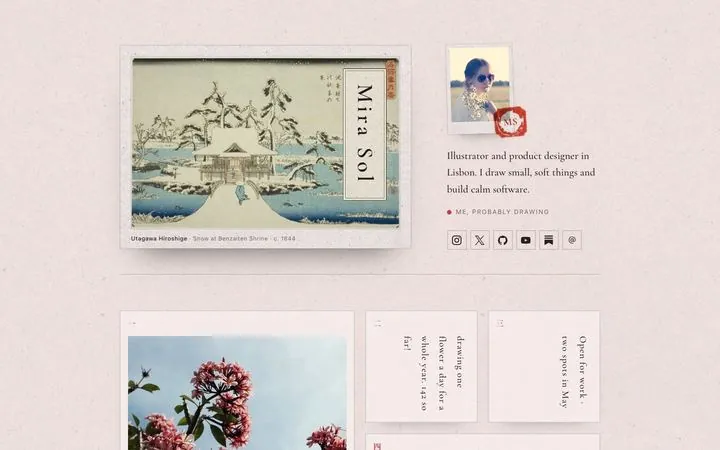
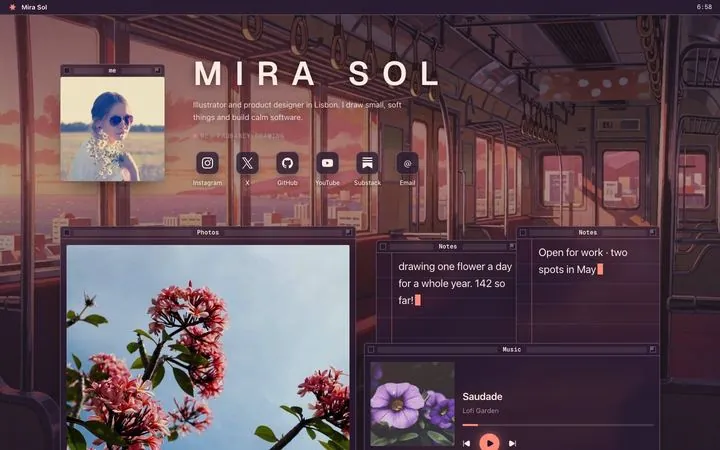
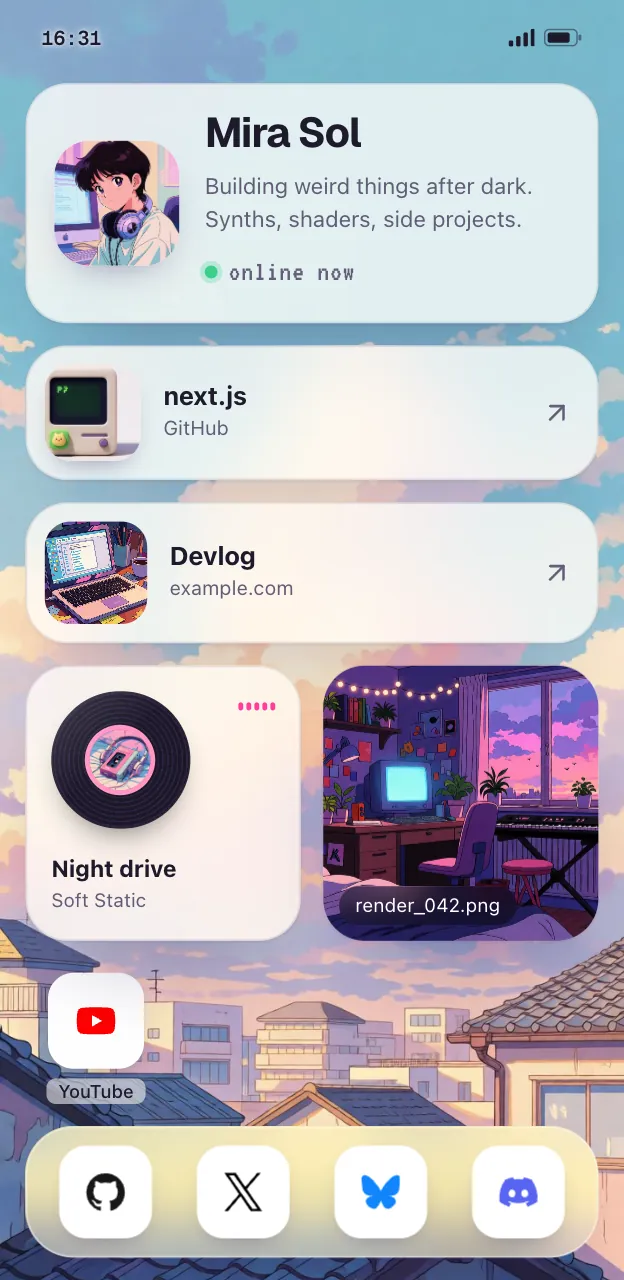
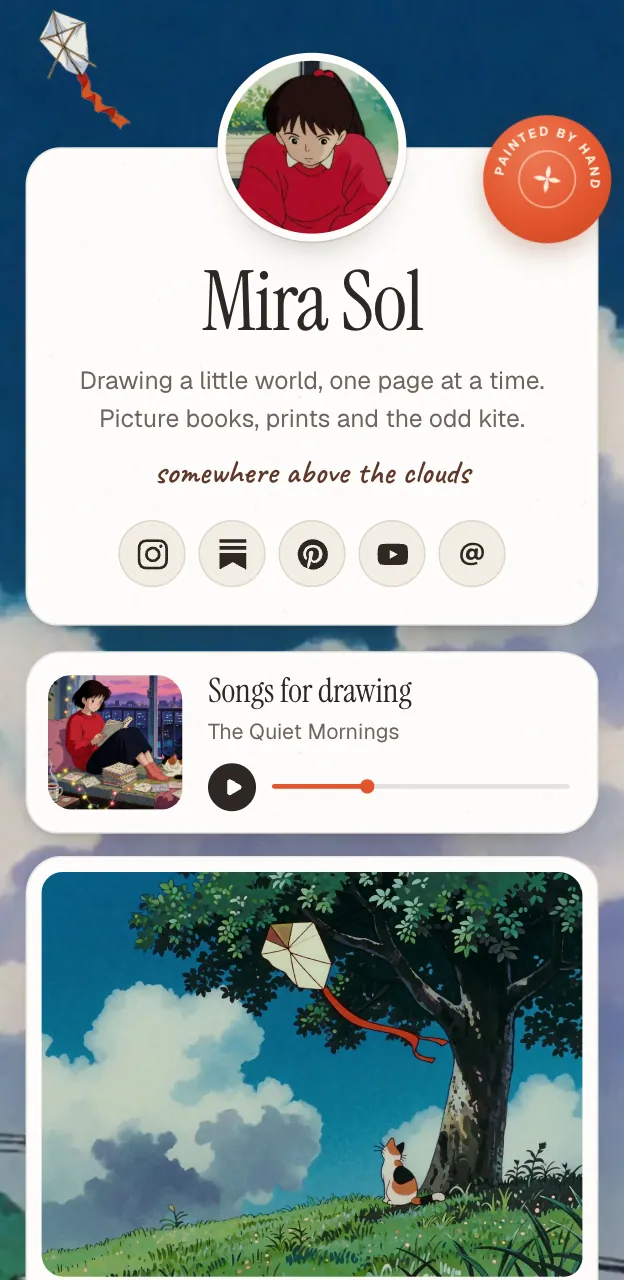
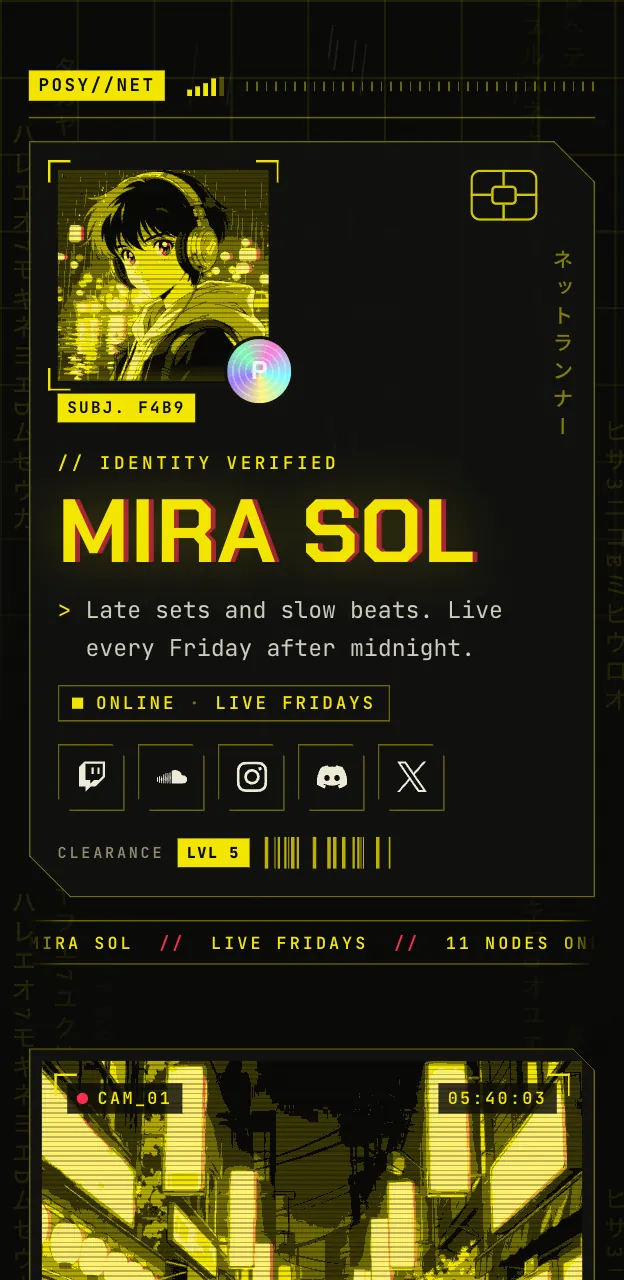
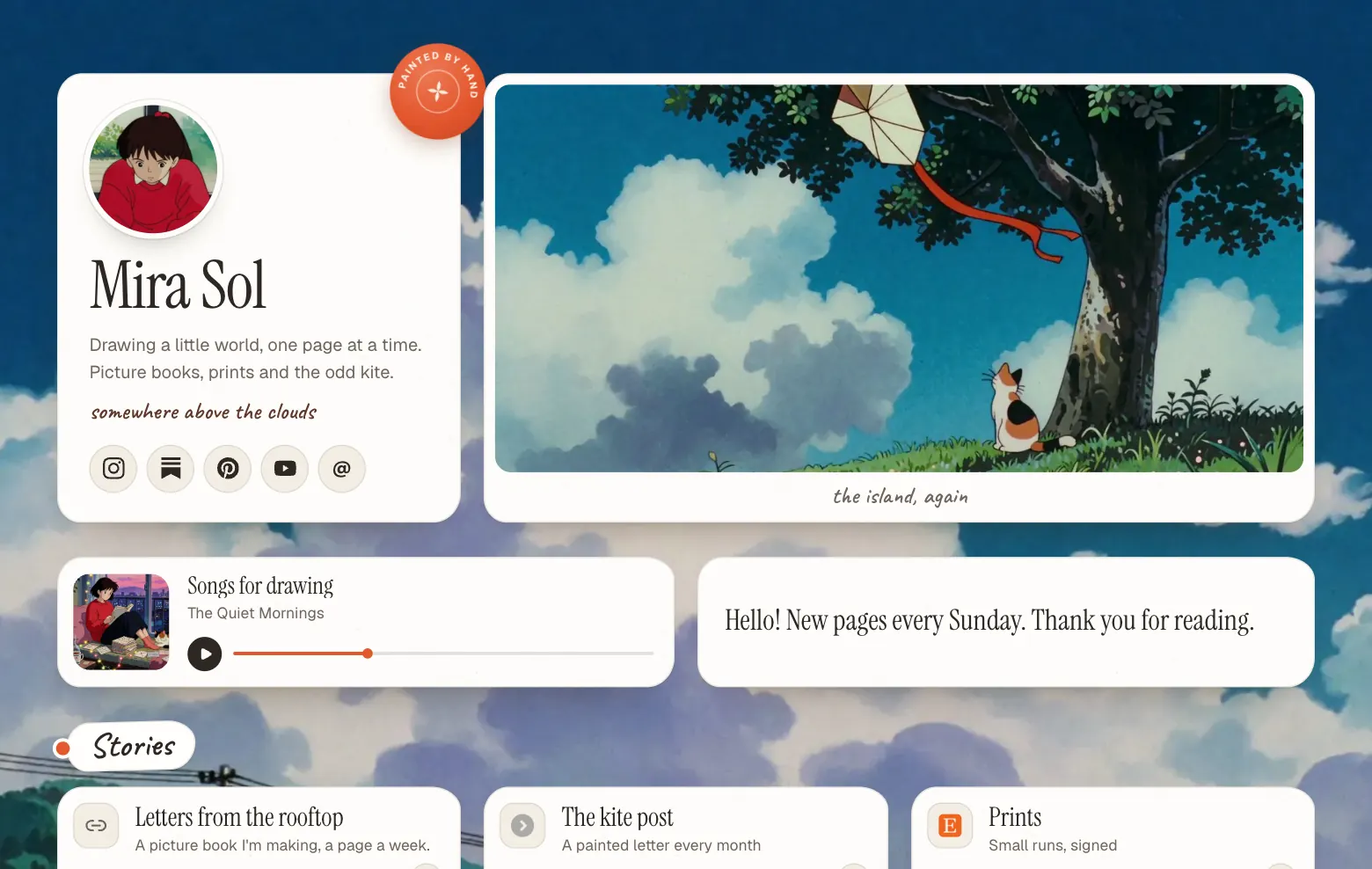
That is the problem Posy is built around. (I make it, so this is the maker's pitch, kept short.) Instead of a wallpaper behind a list, each look is a drawn scene, and your links become things in it: polaroids on a desk, windows on a lofi desktop like the train carriage at the top of this post, cards under a painted sky. Each look has four palettes. Painted, Desk and Lofi are free; Washi, Cobalt and Night are Pro at $5 a month.

#Where Posy is not the right pick
- You want your own photo as the background. In Posy's six looks, the art is the background; you choose a look and a palette, and on some looks a page colour, but you do not upload a wallpaper. Linktree Pro does exactly that.
- You want a video background. Posy does not have one.
- You want a plain list with your brand image behind it. A Linktree with a good background is the simpler tool.
For other directions, see the looks or Linktree alternatives.
#FAQ
#What size should a Linktree background be?
1920×1920 pixels, square, as a JPEG, according to Linktree's help center (updated 15 October 2026). Images can be up to 10MB.
#Is the Linktree background 1080×1920?
That is the size many guides repeat, because it matches a phone screen. Linktree's current help recommends a 1920×1920 square instead.
#Can I add a background image on Linktree Free?
No. Free lets you choose a background colour and use curated themes. Your own image or video background is on Pro and Premium.
#What video formats does Linktree support for backgrounds?
MP4, AVI, MOV and WebM, up to 50MB with no limit on length. It plays on a loop with the sound muted.
#Why is my Linktree background cropped?
Phones and laptops are shaped differently, so part of any image gets cut on one of them. A large square image with the important part in the middle crops best.